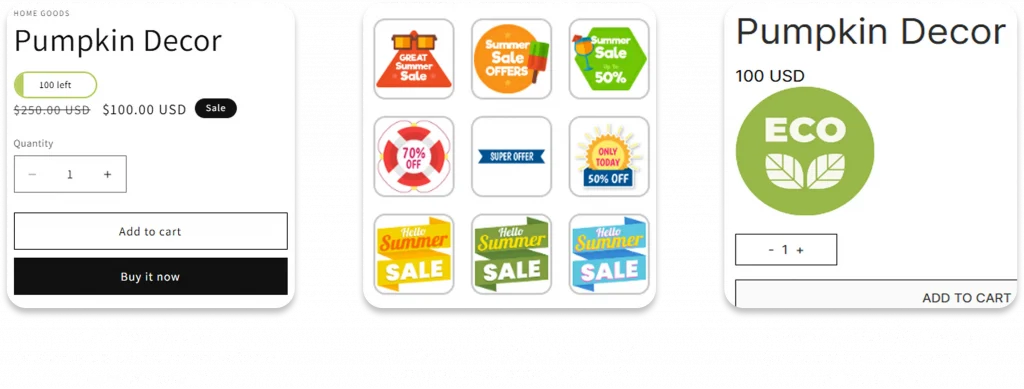
TA Product Labels & Badges makes it easy to highlight “New Arrival”, “On Sale”, “Low Stock”,… Boosting Your Store Conversion Rate


OUR SOLUTIONS
TA Product Labels & Badges:
Highlight Products In Your Own Way
Product Labels
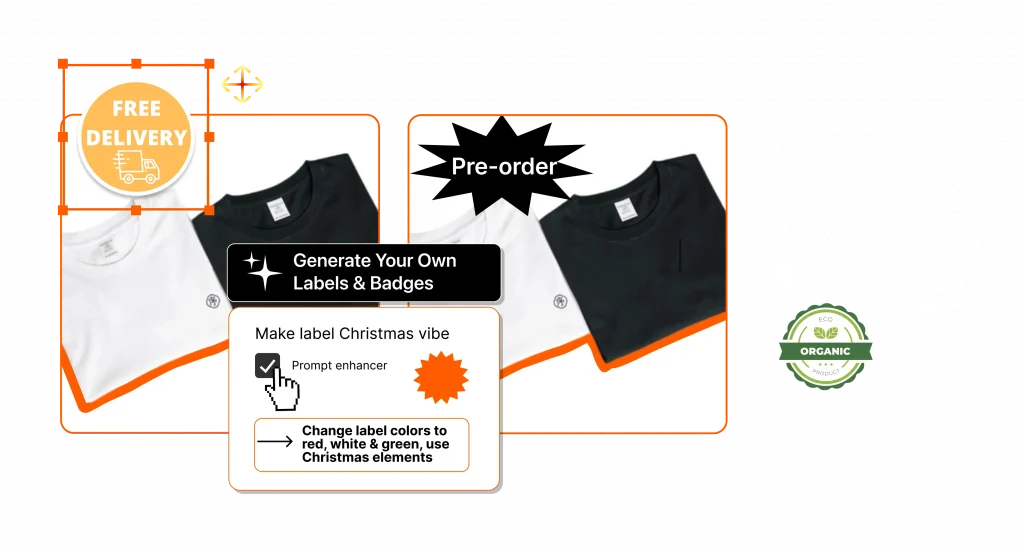
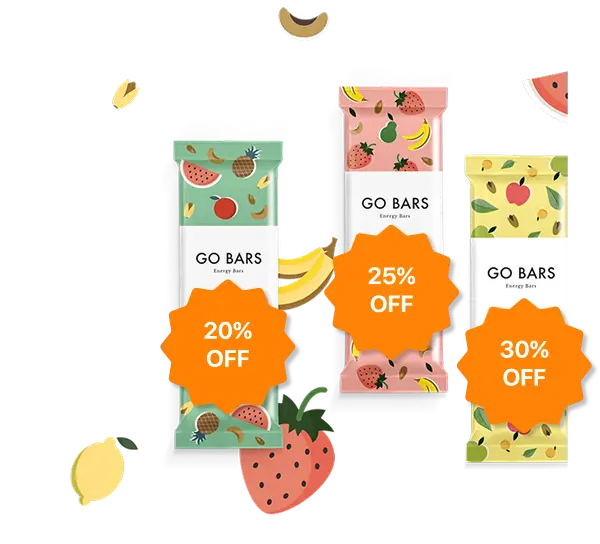
- Image Labels, Text Labels, Label Group: A visual element added directly onto your product image.
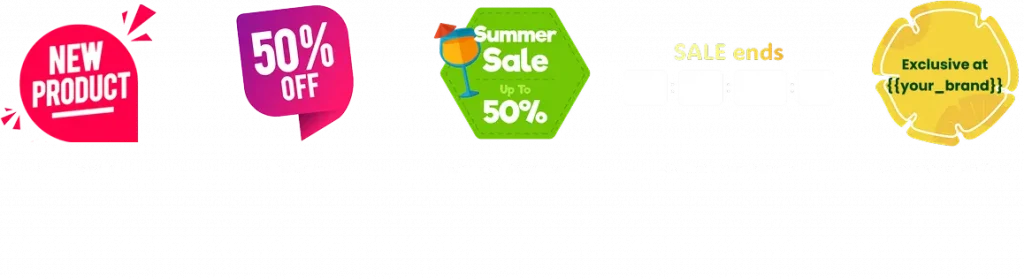
- Save your effort with huge pre-designed templates library: “Special Offer”, “Best Seller”, “Free Shipping”, …
- Convey the right message and match your branding: Insert & Customize position, shape, color, text,…
- Work with various Shopify themes (Fix incompatible themes for free)
Product Badges
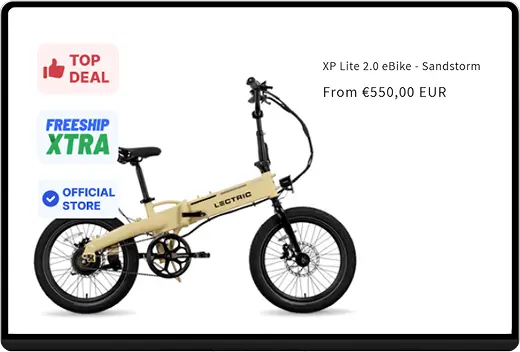
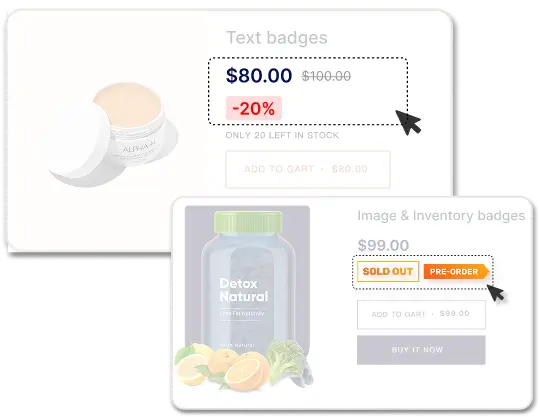
- Image Badges, Text Badges, Inventory Badges, Multiple Badges: A visual element added directly onto your product detail.
- Various messages for diverse campaigns: “Low-Stock”, “Deal ends in”, “Save 25%”,…
- Customize position, background, color, text,…
- Work with various Shopify themes (Fix incompatible themes for free)
Product Badges
- Image Badges, Text Badges, Inventory Badges, Multiple Badges: A visual element added directly onto your product detail.
- Various messages for diverse campaigns: “Low-Stock”, “Deal ends in”, “Save 25%”,…
- Customize position, background, color, text,…
- Work with various Shopify themes (Fix incompatible themes for free)
Product Badges
- No need to manually assigns label one-by-one
- Automate labels/ badges display on
➤ Specific Collections/ Products/ Variants
➤ Specific Tags/ Product Metafields
➤ Price range/ Discount range
➤ Inventory status
And More!
Customer Segmentation
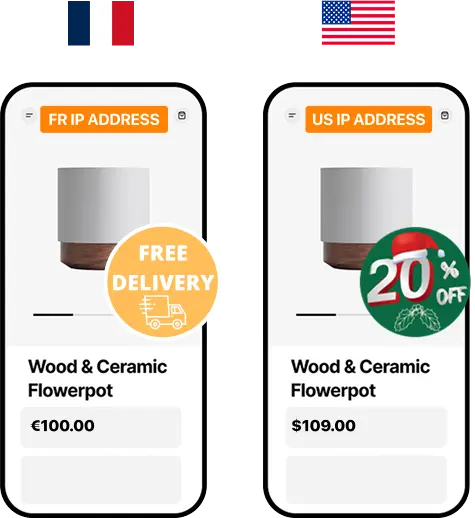
Tailor your labels/badges to different customer segments:
➤ Customer Tags (“VIP”, “Wholesale”, “New”)
➤ Customers’ IP Address
➤ Log-in Customers
➤ Not Log-in Customers
Customer Segmentation
Tailor your labels/badges to different customer segments:
➤ Customer Tags (“VIP”, “Wholesale”, “New”)
➤ Customers’ IP Address
➤ Log-in Customers
➤ Not Log-in Customers
In-app Real Use Cases
Simplify your campaigns, control multiple labels with different types of condition. Less setup, more flexibility, smarter targeting.
Our Happy Customers

Le Jardin Retrouvé
I rarely leave reviews, but this app deserves it. It does exactly what I need it to do — nothing more, nothing less — and it does it perfectly. Simple, efficient, and reliable. What really stood out, though, was the support team. I had a small issue, reached out, and they replied almost immediately. Super friendly and incredibly fast. Honestly, one of the best support experiences I’ve had with any app. Highly recommend!
FIVE STAR FASHION
Fantastic App, Exceptional Support! The "BSS: Product Labels & Badges" app has transformed our Shopify webshop! It offers a diverse selection of eye-catching labels that seamlessly integrate with product images. Customization is a breeze, and the support team is incredibly responsive and helpful. Highly recommended!
Pipedream Products Wholesale Europe
I had an issue with my product labels and saw a pop-up saying “Contact us, we’ll help you solve the issue.” Honestly, I expected some useless AI response, but decided to give it a try — and I’m glad I did. The support team was incredibly responsive, and Sean helped me out and resolved everything super quickly. Great customer service — I highly recommend this app! based on tags, is sooooo cool. I have been very pleased by the level of customisation and the user friendly step by step label/logic creation process.

Scents N Stories
The product and customer service are both outstanding. The app offers many helpful features all within a single window, providing a complete package of labels and badges.Whenever I encountered an issue, it was resolved the same day within just a few hours. While most services take until the next day to respond, the TA team replies promptly and resolves issues instantly. Highly recommended!
Snowboard Addiction
Quick and easy Customer support, a few integration issues which the team solved promptly and professionally!
Tiny Allies
Such an easy app to set up and use. It took no time at all to get our badges up and running, and the customer service team replied almost instantly when I had a question. Can’t fault it.
Got Any Questions?
1. Is there a limit to how many labels and badges I can use?
It depends on your plan. The free plan includes 2 active labels/badges, while premium plans allow more.
2. How to add the Sold Out label automatically?
Go to Conditions => Inventory Status.
Here you choose the option “Out of stock”.
Then, the label/badge will be automatically added to the products that are out of stock.
3. Can I exclude specific customers from seeing my badge?
1. Go to the Badge sections and Create or Edit a new badge
2. Fill in the information needed in General and Configuration tab
3. Go to Conditions tab and move to the Select/Exclude Customers
- None
- Specific Customer(s): type to search for specific customer
- Customer Tag(s): type to search for customer tag
4. Check your settings and click Save
You are now successfully setting up a badge that excludes specific customers from seeing it.
4. Can I add multiple badges on a product?
First, you should know how to use the app basically. Read this for more information: How to use Product Labels/Badges
To add multiple badges on a product, on CONFIGURATION tab, click on the Select Badge button and choose Select multiple badges
You can choose as many as badges as you want (The max quantity is 30).
Next, you can choose the badge position as follows. Also, you can choose specific positions to show badges by using custom selector.
– Below Product Name
– Below Product Image
– Below Product Price
– Below Add to cart button
– Below Quantity box
– Below Buy it now button
You can also add the header text for your badges.
Make sure your settings are correct and click Save.
5. How to display labels & badges across time zones – UTC Setup
1. How Label Timing Works
The Start Time / End Time set in the app is based on UTC (Coordinated Universal Time, UTC+0).
When the specified UTC time is reached, the label is displayed simultaneously across all stores globally, regardless of the store’s or user’s local timezone.
2. What Is UTC?
UTC (Coordinated Universal Time) is the world’s standard time, which does not change with daylight saving and is not location-dependent.
→ You can think of it as the global server time.
3. How to Set the Right Time
Example scenario:
You want the label to appear at 12:00 AM on May 25th in Malaysia (UTC+8).
→ Convert to UTC: 12:00 AM – 8 hours = 4:00 PM on May 24th (UTC)
→ What to enter in the app: 4:00 PM on May 24th (UTC)
Conversion formula:
Time to enter in app = Desired local time – time difference from UTC
4. Timezone Conversion Tool
Use www.worldtimebuddy.com to quickly find the corresponding UTC time.
How to use it:
- Add the UTC timezone.
- Add the local timezone, e.g., Malaysia (Kuala Lumpur).
- When you match your target time, 12:00 AM on May 25th, with UTC, you’ll find it equals 4:00 PM on May 24th (UTC).
Still have questions?