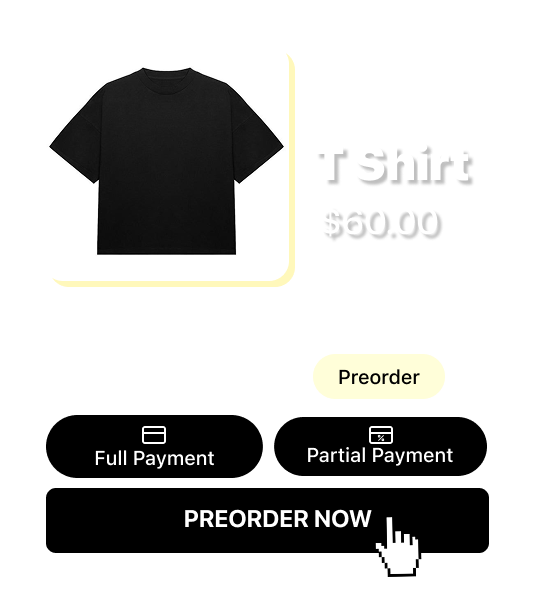
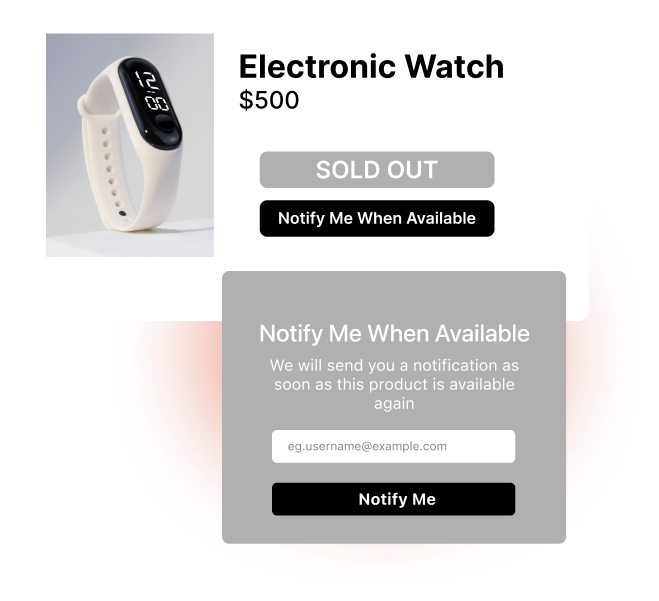
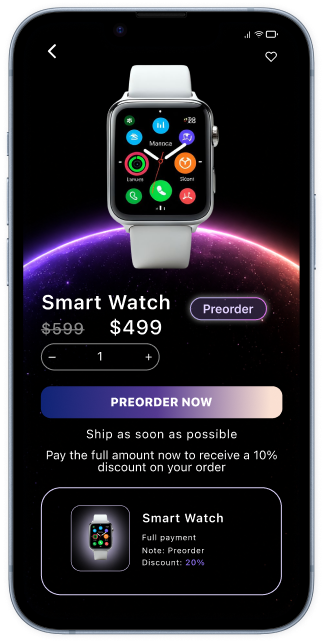
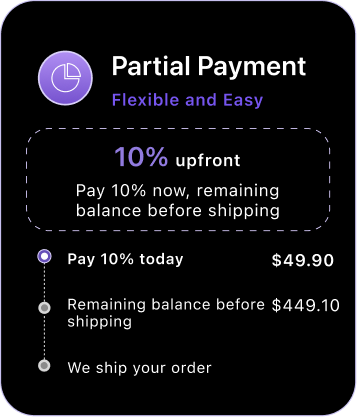
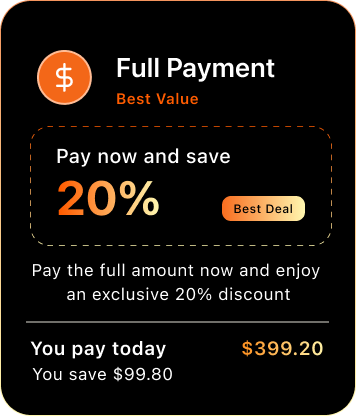
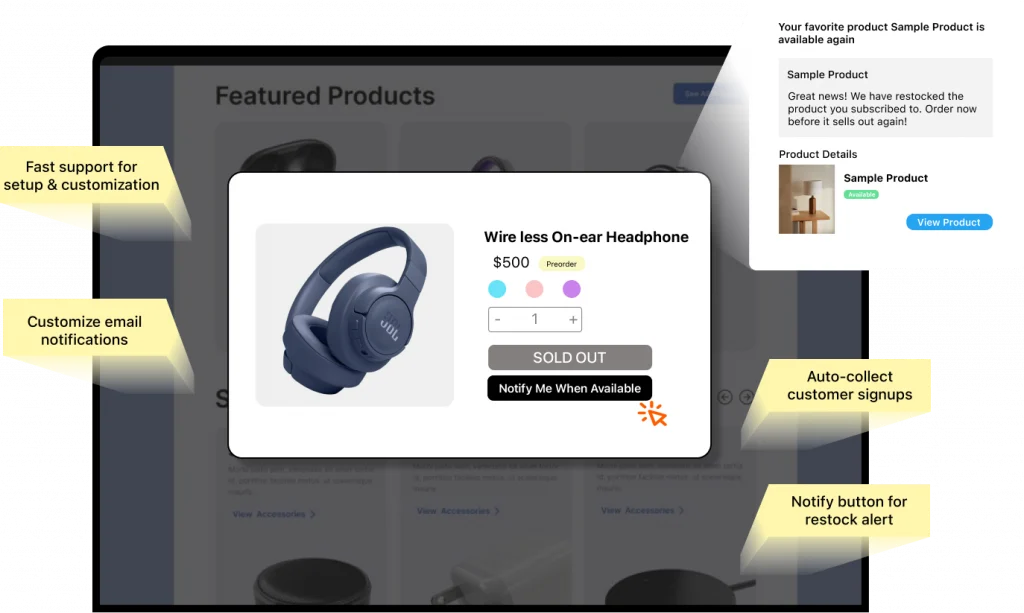
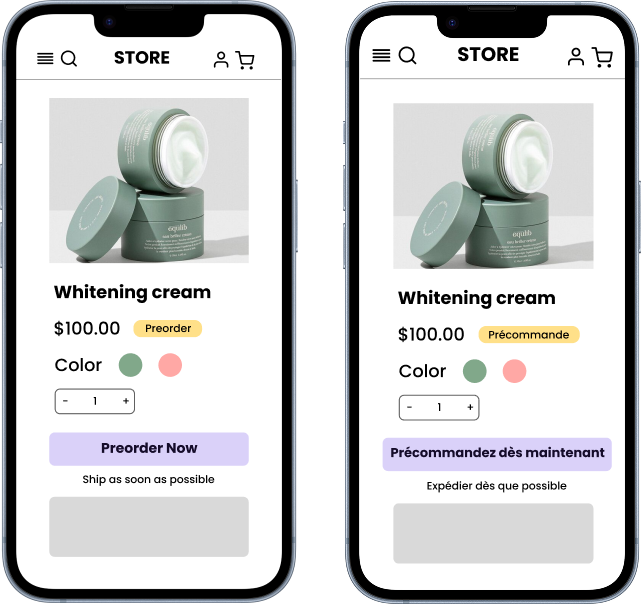
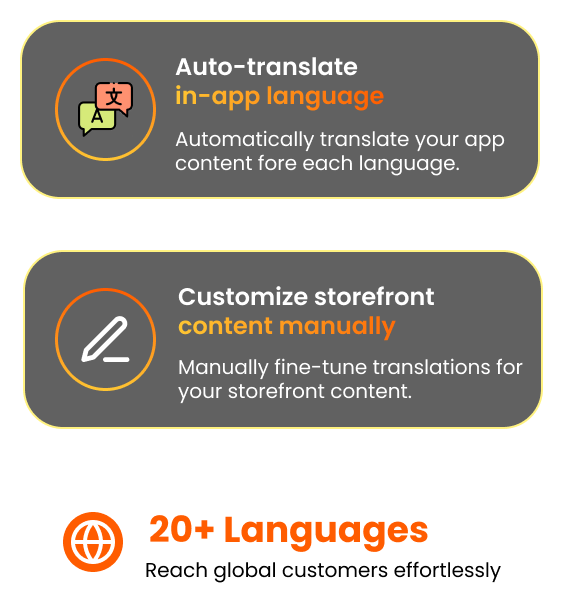
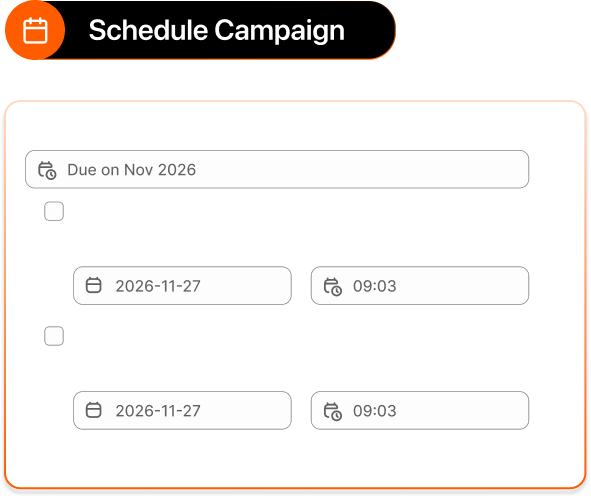
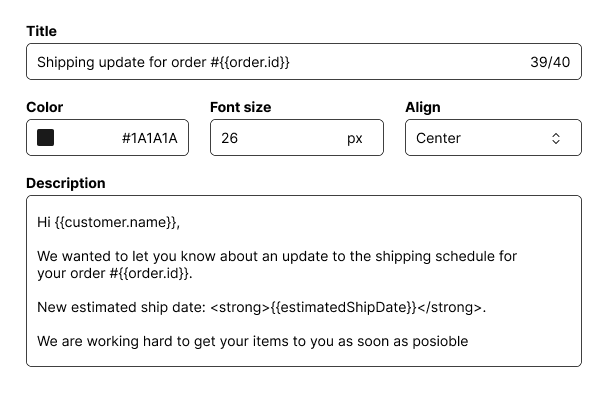
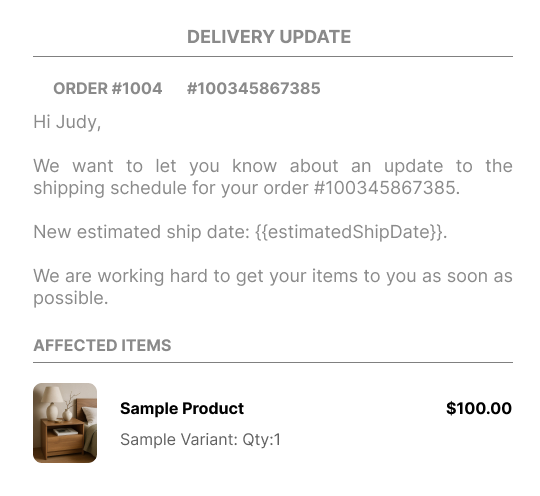
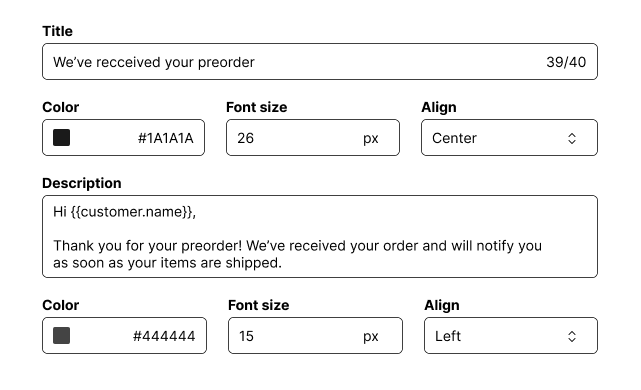
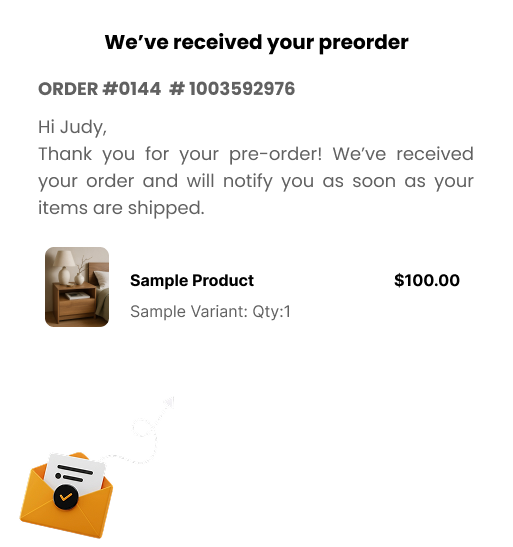
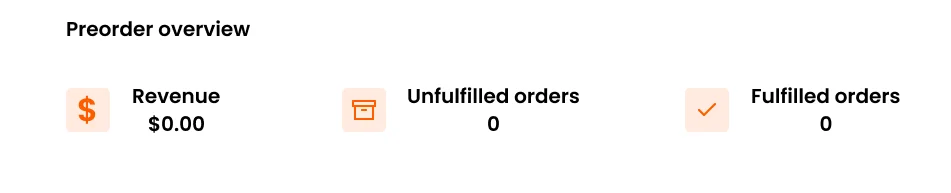
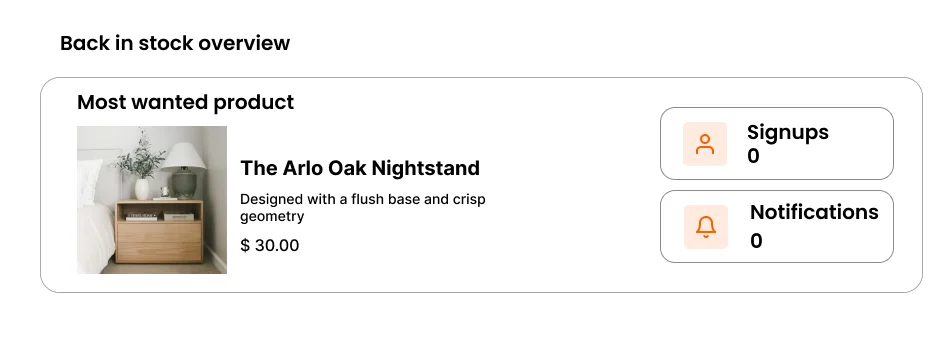
Turn Stocks Into Sales With Preorder & Back In Stock Recover lost sales with flexible pre-orders for out-of-stock and upcoming products. Accept full or partial payments, automate back-in-stock alerts, capture customer demand, and forecast inventory with powerful analytics. Get The App For Free Read User Guide Launch High-Converting Preorder Campaign Explore more Recover Lost Sales With Automated Back - In -Stock Alert Customize Multiple Languages Across App & Storefront Full Control Over Preorder Customize Preorder Update Email Customize Preorder Confirmation Email Customize Back In Stock Notification Email Customize the subject, text, colors, and dynamic variables of your preorder shipping update emails in standard or advanced mode. Create branded, on-point emails that keep customers informed and excited. Tailor back-in-stock notifications to match your brand. Smart Analytics Track performance and customer behavior in real-time. Get The App For Free Got Any Question? Why is the Preorder button not showing on my product page? This is the most frequent reported issue. Work through this checklist in order – most cased are resolved by step 1 or 2.Read full article here Can I run multiple campaign at the same time? Yes, as long as no two campaigns share the same product variant.Read full article here What happens when a campaign's end date is reached? The campaign automatically deactivates, the Preorder button is removed, and the product reverts to its normal state. Existing preorders remain intact.Read full article here Why is the "Notify me" button not showing on sold-out products? Ensure the following conditions are met:The App Embed is active.The Back in Stock module is enabled.The product’s inventory is tracked and at 0.The product is included in your Product Scope.Read full article here When exactly is the restock email sent? It is sent automatically when the product’s inventory goes above 0 AND the ”Send email automatically” setting is enabled.Read full article here