
Create a selling plan
Name the plan, for example Subscribe and save, and choose how often it delivers.
Offer a subscription next to the one-time purchase on the product page, with a discount on every delivery. TA Subscriptions sets this up with selling plans, so shoppers choose to subscribe at the moment they are already buying.
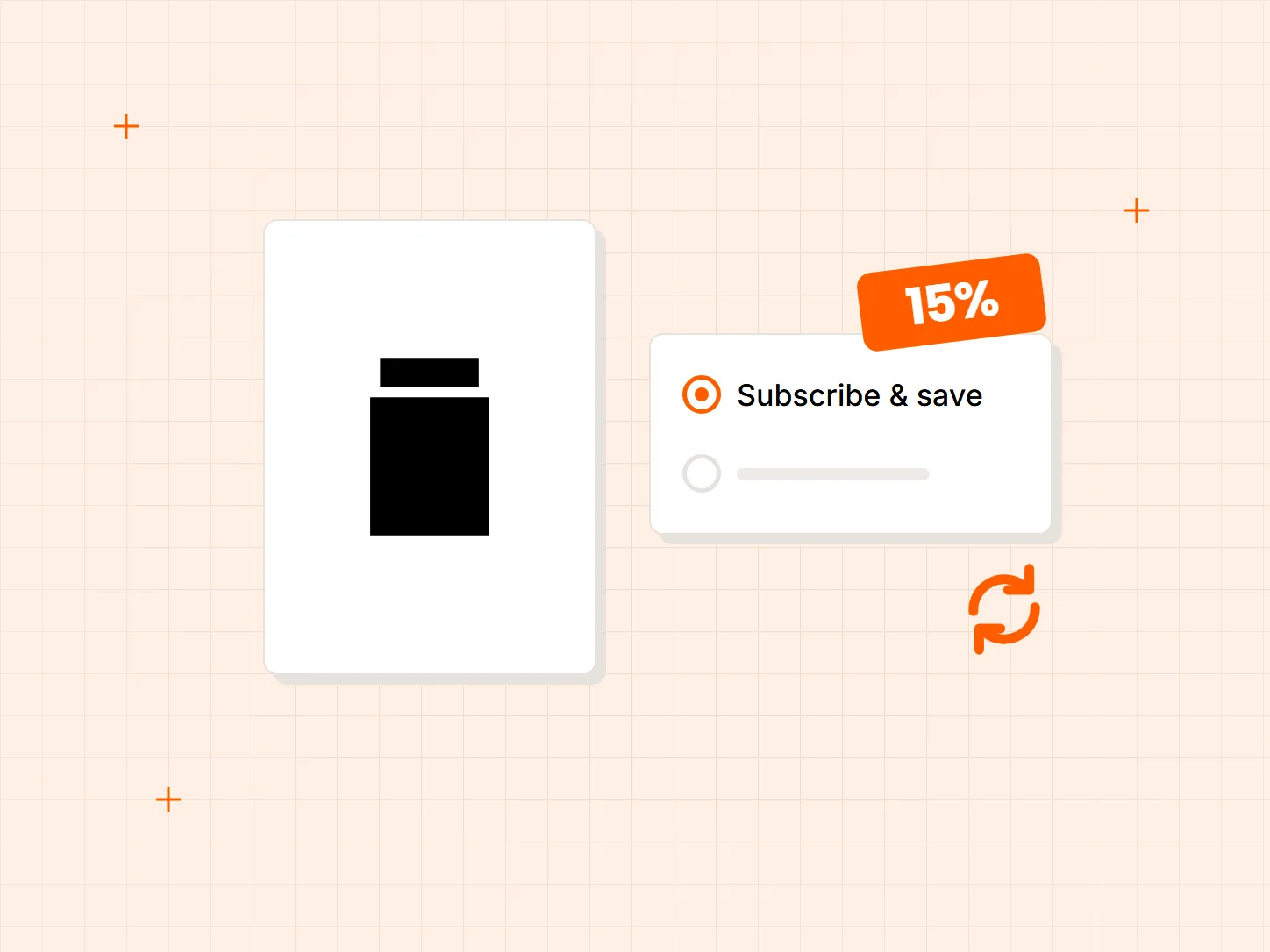
Shoppers who like a product often buy it again, but each reorder is a new decision. Each problem below has a matching fix in this setup.
Who it is for: stores that sell products people use up, such as coffee, honey, skincare, supplements and pet food.
Customers who would reorder have no simple way to say so at the product page.
A selling plan adds a Subscribe and save choice on the product page. Shoppers pick it instead of the one-time purchase and the plan sets the delivery schedule.
A reason to commit is missing, so the one-time purchase wins.
Set the discount as a percentage, a fixed amount or a fixed price. The shopper sees the saving before they choose to subscribe.
A flat discount can cost more than you want to give away on later orders.
Set a different discount from a specific billing cycle, for example an offer on the first order that you adjust afterwards.
Each card shows what the result looks like. The selling plan comes first, because the discount and the product choice both attach to it.
Name the plan, for example Subscribe and save, and choose how often it delivers.
Choose a percentage, a fixed amount or a fixed price for each delivery.
Set a different discount from a specific billing cycle, such as a first-order offer.
Attach the plan to the products you want to sell on subscription. It then shows on those product pages.
Subscriptions work with a limited set of gateways: Shopify Payments, PayPal Express, Authorize.net, Adyen, and Stripe for some merchants. Klarna and local methods such as iDEAL are not supported.
The option works on the Online Store and Custom Storefront sales channels. Read the eligibility page in the docs before you plan a launch on another channel.
The discount applies to every delivery unless you change it from a later cycle. Choose a number you can afford over the whole life of a subscription, not only the first order.
Three kinds: a percentage, a fixed amount, or a fixed price. You can change the discount from a specific billing cycle.
Yes. Set a different discount from a specific billing cycle. Manuka Honey Direct runs 5% off the first order and 10% off later ones, and Moshico Coffee runs 10% off every delivery. Read how they did it in the Manuka Honey Direct story and the Moshico Coffee story.
Shopify Payments, PayPal Express, Authorize.net, Adyen, and Stripe for some merchants. Klarna and local methods such as iDEAL are not supported.
The Online Store and Custom Storefront channels. The eligibility page in the docs lists the conditions in full.
Every Tech Arms app installs from the Shopify App Store in minutes.