10 Best Shopify Preorder Apps for 2026: Turn Preorders Into Sales
Running out of stock shouldn’t mean running out of sales. If a product page shows “Sold Out” with no way to buy, you’re sending demand straight to a competitor. Preorder in ecommerce solves that by letting customers order items that are delayed, unreleased, or temporarily unavailable — while you keep collecting revenue, data, and customer goodwill instead of losing all three.
The challenge is that the Shopify App Store lists dozens of preorder tools, and most listicles just repeat App Store descriptions without telling you which app actually fits your business model. This guide ranks the top 10 Shopify preorder apps for 2026, explains exactly what to check before you install one, and covers the technical limitations that can quietly break your preorder setup if you’re not prepared for them.
Why Preorder Apps Are Essential for Shopify Growth
Shopify’s native “continue selling when out of stock” setting lets you keep a product purchasable after inventory hits zero, but it’s a blunt instrument. It doesn’t add a preorder badge, doesn’t set expected delivery dates, doesn’t collect partial payments, and doesn’t distinguish a genuine preorder from a shopper who thinks they’re buying something ready to ship. That gap is exactly what dedicated preorder apps are built to close.
A well-configured preorder app helps a store in three concrete ways:
- It recovers revenue you’d otherwise lose. When a bestseller sells out, every visitor who lands on that product page and can’t buy is a lost sale — and often a lost customer, since many shoppers won’t come back to check later.
- It validates demand before you commit inventory dollars. Counting preorder volume for a new SKU before placing a full production or purchase order reduces the risk of overbuying stock that doesn’t sell, or underbuying stock that sells out in a day.
- It builds anticipation around launches. Sneaker drops, limited-edition collaborations, and seasonal collections all benefit from a countdown and a “reserve yours” moment instead of a simple “buy now” button.
There’s also an operational upside that’s easy to overlook: preorder data gives your team a preview of upcoming fulfillment workload and cash flow. If 400 units of a new product are preordered before it lands in the warehouse, you know exactly how many boxes to prep and roughly when the revenue will convert from pending to available — planning information a plain “out of stock” page never gives you.
Top 10 Shopify Preorder Apps
These apps were compared on core preorder functionality, payment flexibility, back-in-stock capability, pricing, and how they’re reviewed by merchants on the Shopify App Store. Ratings and review counts reflect the most recent data available and will keep shifting as merchants leave new reviews.
1. TA Preorder & Back In Stock
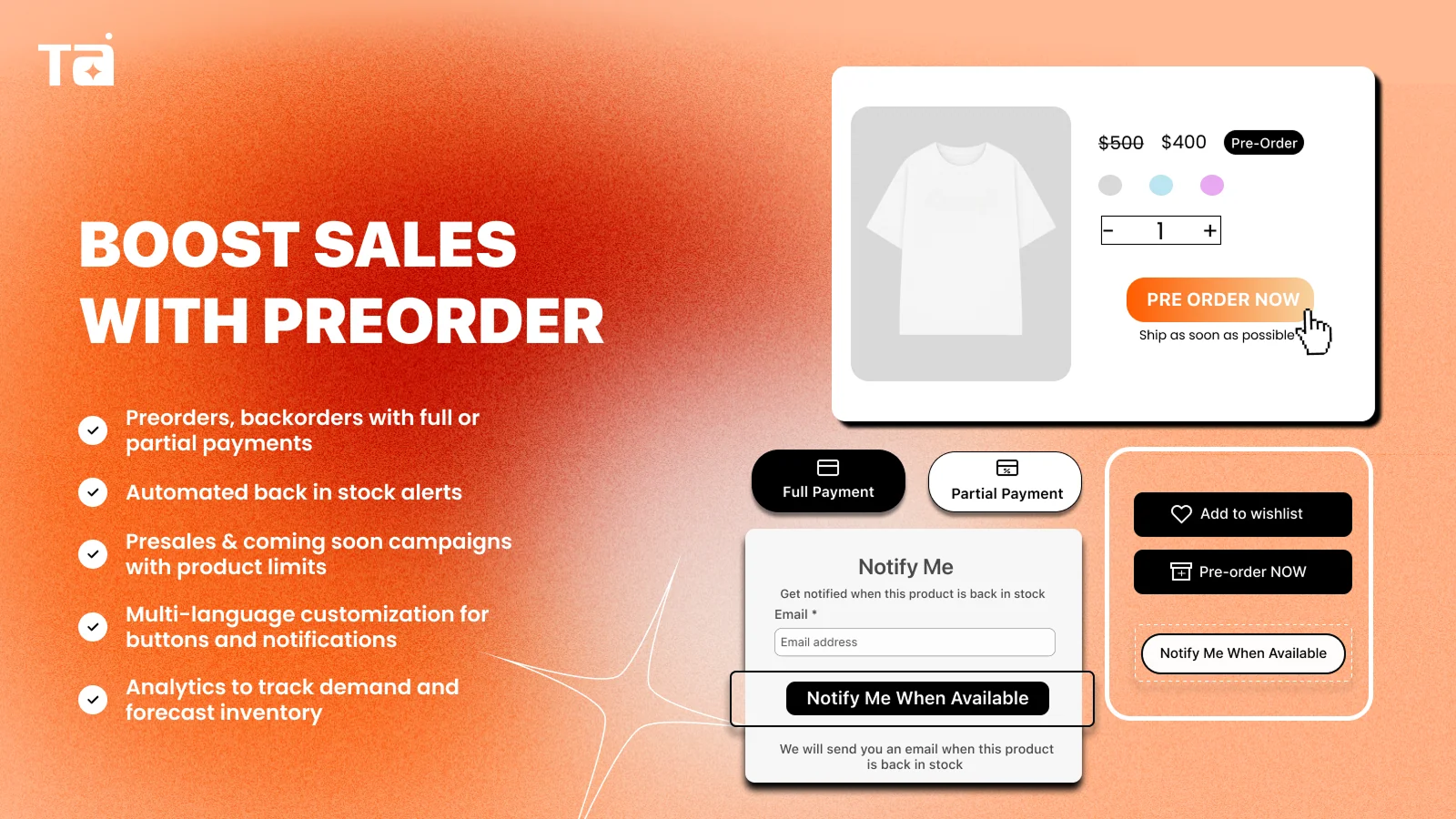
TA Preorder & Back In Stock is built to run preorder and back-in-stock flows from a single app, which matters more than it sounds: many stores end up juggling two separate tools — one for preorders, one for restock alerts — and the handoff between them is where mistakes happen (a product finishes its preorder window while the back-in-stock tool hasn’t been switched on yet, for example). It carries Shopify’s “Built for Shopify” badge and integrates with the developer’s own suite of banner, sales pop-up, and product-badge apps if you want a more unified storefront setup. One standout for international sellers: the app auto-translates its widgets and in-app UI, and also lets you manually customize storefront copy per language — useful if you run a multi-language store and don’t want to write separate preorder badges and messages for each locale by hand.
- Price: Free
- Key features: Preorder, backorder, and presale campaigns with full or partial payments, automated back-in-stock alerts, customizable widgets and badges, demand analytics
- Languages: Auto-translated app UI plus manual storefront text customization across 20+ languages, including English, Chinese (Simplified), Vietnamese, Thai, Arabic, German, Spanish, French, Japanese, and Korean
- Best for: Stores that want preorder and back-in-stock management unified in one free app — especially multi-language stores that need localized preorder messaging without extra translation apps
2. Preorder, Back In Stock – STOQ
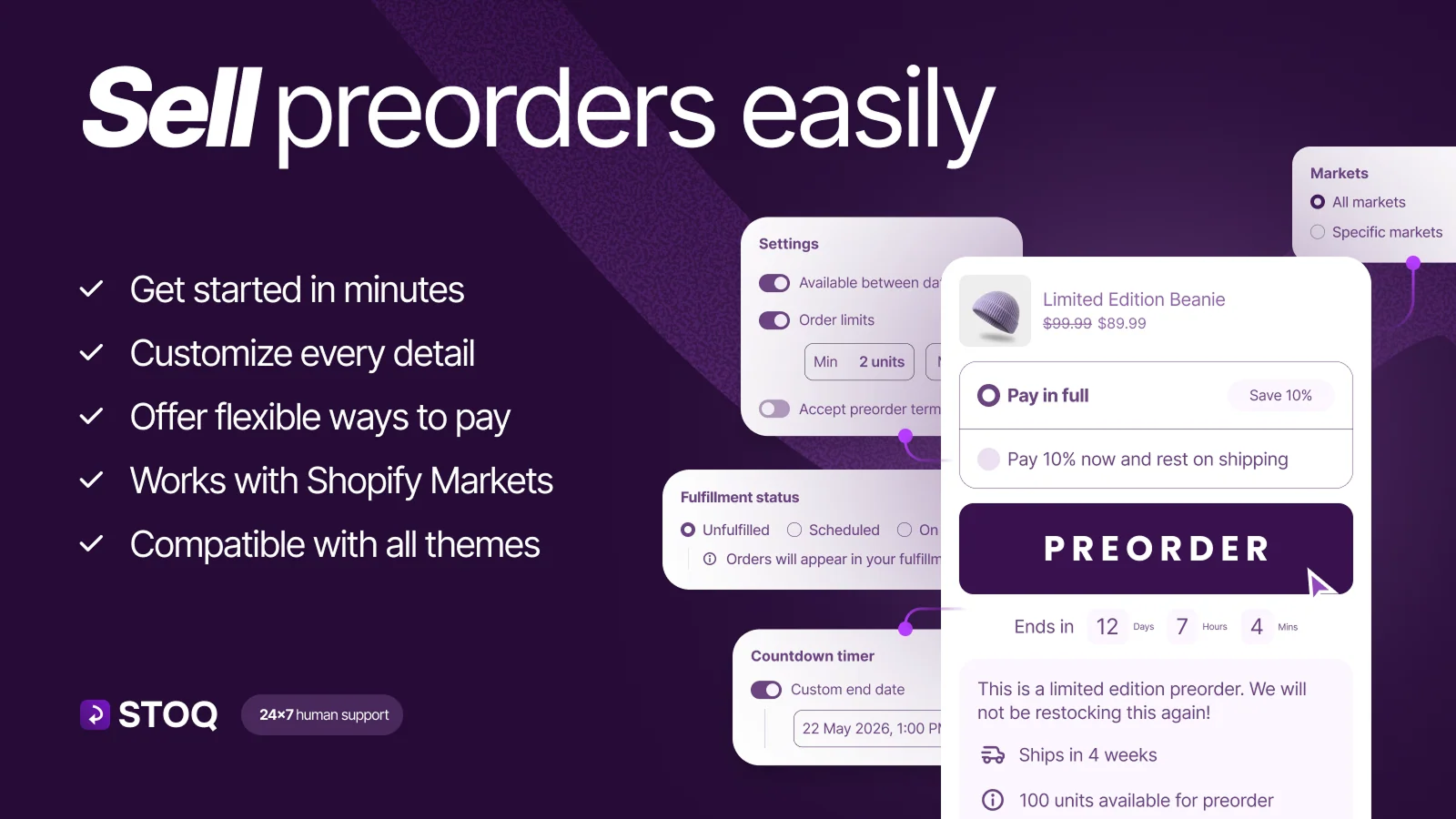
STOQ carries Shopify’s “Built for Shopify” badge and currently holds a 5.0-star rating from over 3,480 reviews, making it one of the most reviewed apps in this category. It covers preorders, backorders, and presales with deposits or partial payments, plus automated back-in-stock alerts by email or SMS.
- Price: Free plan available; paid plans from $10 to $69/month depending on preorder and alert volume
- Key features: One-click setup, partial payments, multi-location and Shopify Markets support, Klaviyo integration, POS support
- Best for: Growing stores that want an established, well-supported app with room to scale into more advanced features
3. Notify Me! Back in Stock Alert
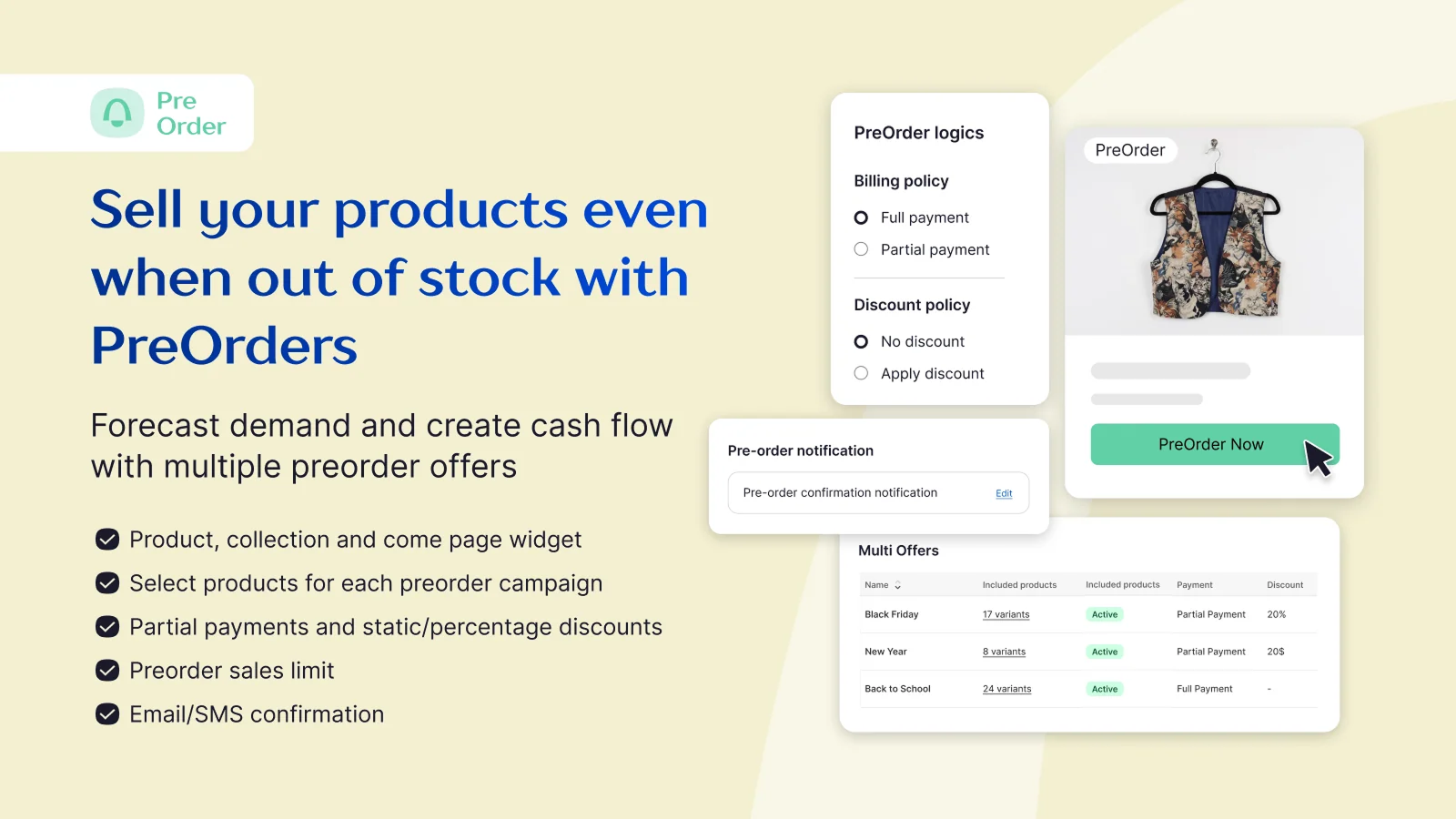
This app positions itself as a full stockout-recovery tool, combining “Notify Me,” preorder, and wishlist buttons in one install. It carries the Built for Shopify badge and holds a 4.9-star rating from over 3,500 reviews.
- Price: Free plan available; paid plans from roughly $9.90 to $39.90/month
- Key features: B2B and D2C preorders, guest wishlist, email/SMS/push restock alerts, low-stock “only X left” counter, multilingual tools
- Best for: Stores that want back-in-stock, preorder, and wishlist functionality bundled with B2B support
4. Preorder Now Presale Timesact
Not to be confused with TA Preorder & Back In Stock, this is a separate, long-running app from a different developer, with a 5.0-star rating from nearly 2,000 reviews and the Built for Shopify badge. It’s built around presale campaigns with a strong focus on order tagging and inventory-driven automation.
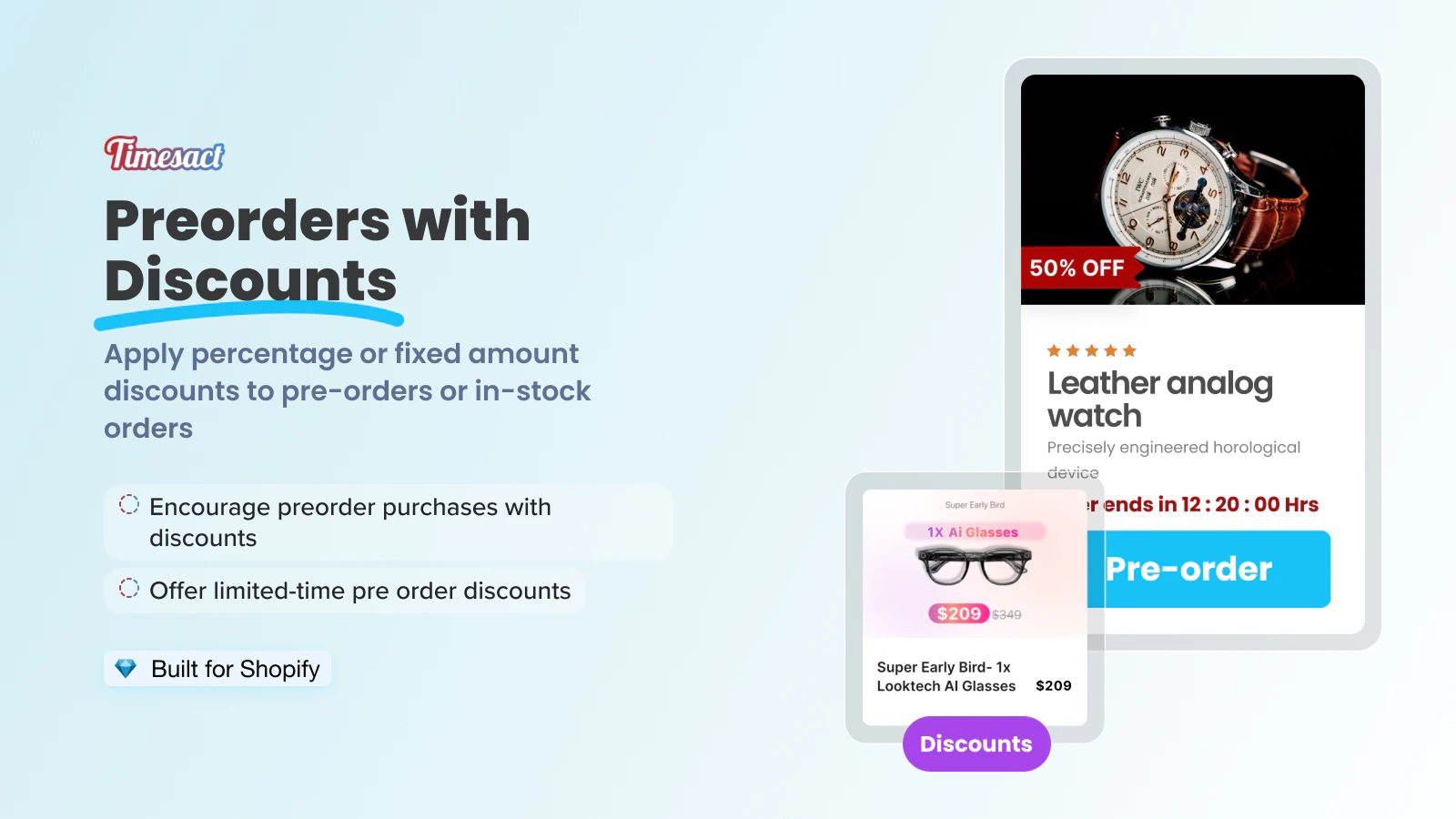
- Price: Free plan available; paid plans from about $1 to $23/month depending on order volume
- Key features: Partial and split payments with automatic discounts, presale order limits, order tagging, countdown timers, CSV upload
- Best for: Stores running frequent presale launches that want granular order tagging and reporting
5. PreOrder Globo | Back in Stock
Built by Globo.io, a long-standing Shopify app developer, this app holds a 4.9-star rating from over 1,800 reviews and the Built for Shopify badge. It’s designed for both preorder scheduling and restock alerts, with a strong focus on ease of setup.
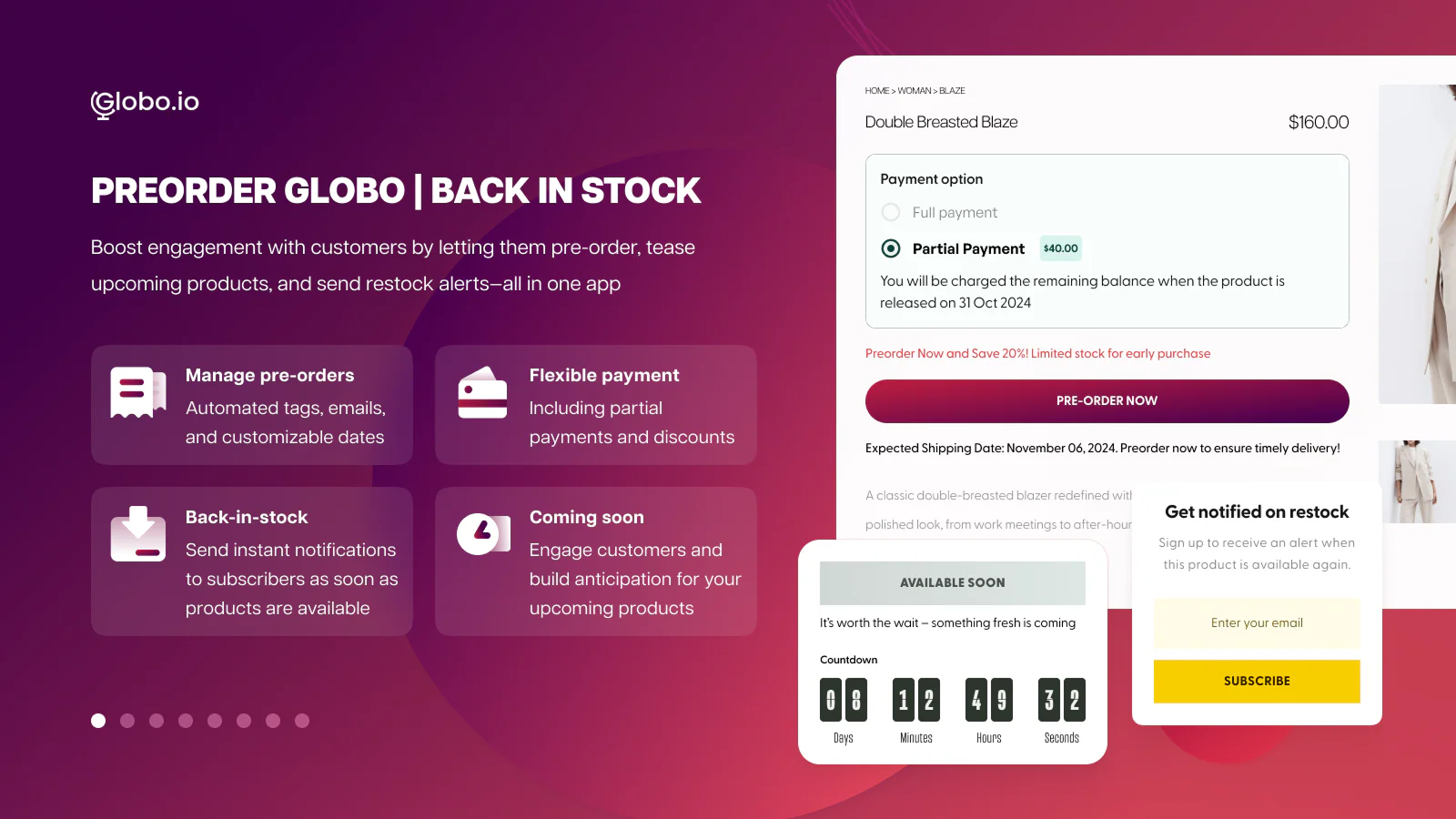
- Price: Free plan available; paid plans at $9.90 or $19.90/month
- Key features: Partial payments, custom delivery notes, automatic discounts on preorders, countdown timers, integrations with Klaviyo, Omnisend, and page builders
- Best for: Stores that want a well-established, easy-to-configure app without a steep learning curve
6. REZ Preorder, Back In Stock
A newer entrant (launched 2025) that has quickly built a 5.0-star rating from 1,375 reviews and the Built for Shopify badge. It’s straightforward by design, aimed at merchants who want core preorder and restock functionality without a complex setup.
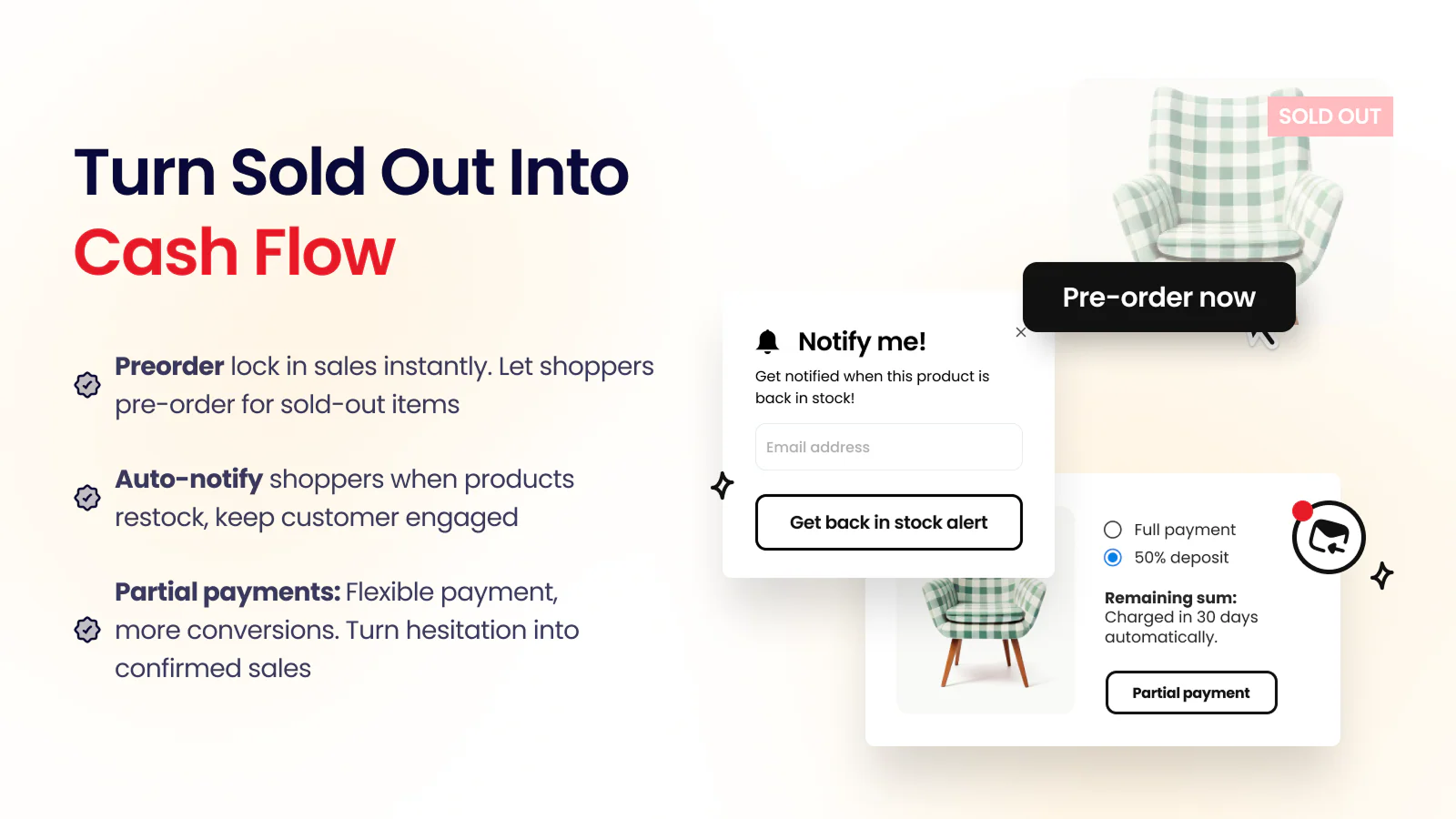
- Price: Free plan available; paid plans from $4.99 to $28.99/month
- Key features: Full or partial payments, automatic restock and coming-soon alerts, conversion analytics, order tagging for fulfillment
- Best for: Small to mid-sized stores that want the basics done well, with straightforward pricing as they scale
7. Essent Preorder Back in Stock
Holds a 5.0-star rating from nearly 1,200 reviews and the Built for Shopify badge. It stands out for letting merchants prevent mixed carts outright and for supporting Shopify Markets, which matters for stores selling into multiple regions with different preorder rules.
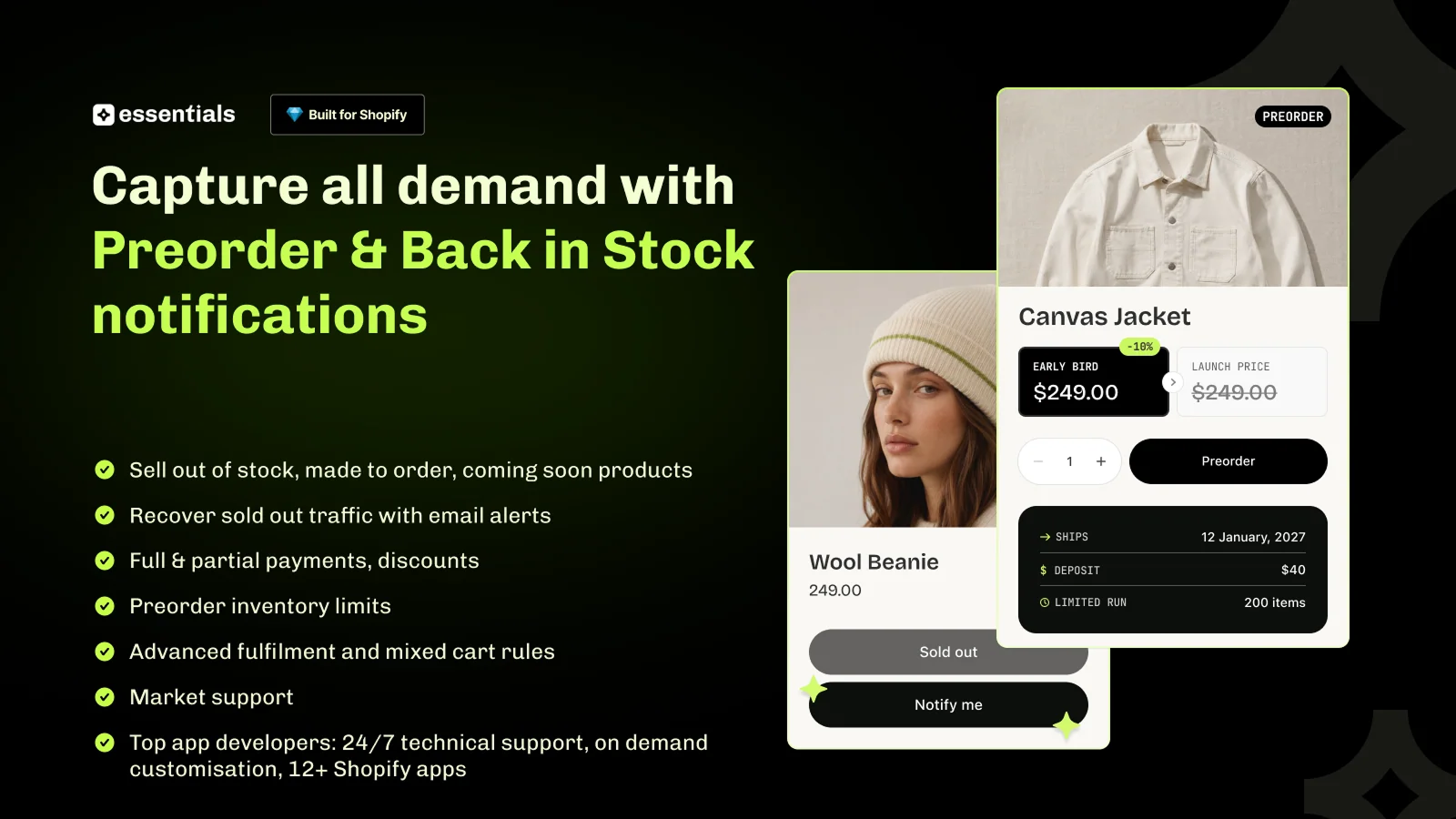
- Price: Free plan available; paid plans from $5 to $25/month
- Key features: Full, partial, deposit, or split payments with schedules, mixed-cart prevention, Shopify Markets support, 24/7 human support
- Best for: Stores that want strict control over mixed carts and multi-market preorder rules
8. PreOrder Now Back in Stock WOD
One of the longer-running apps in this category, launched in 2017, with a 4.5-star rating from 981 reviews and the Built for Shopify badge. Its rating is a bit lower than others on this list, with some merchants reporting reliability issues, though the developer is responsive in reviews.
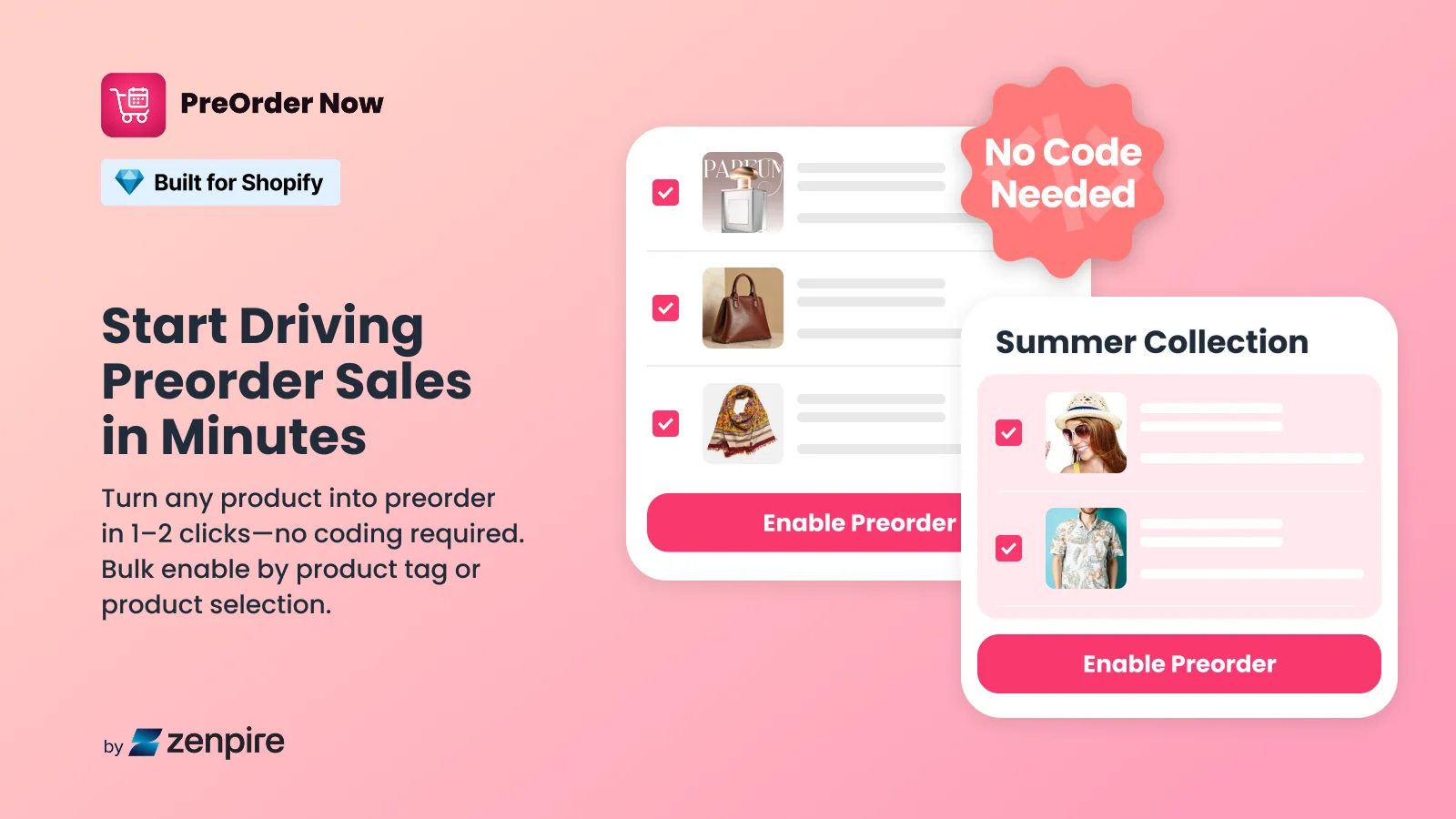
- Price: Free plan (1 product); paid plans from $19.95 to $59.95/month for unlimited preorder products
- Key features: Bulk preorder enabling across products and variants, email/SMS restock alerts, partial payments, Google Analytics tracking
- Best for: Stores that need bulk preorder management across large catalogs and are comfortable paying for unlimited products from the start
9. Amp Back in Stock | Preorder
One of the oldest apps in this space, launched in 2011 and trusted by over 25,000 brands according to its listing. Holds a 4.9-star rating from 831 reviews and the Built for Shopify badge. Built for high SKU volumes and fast-moving catalogs.
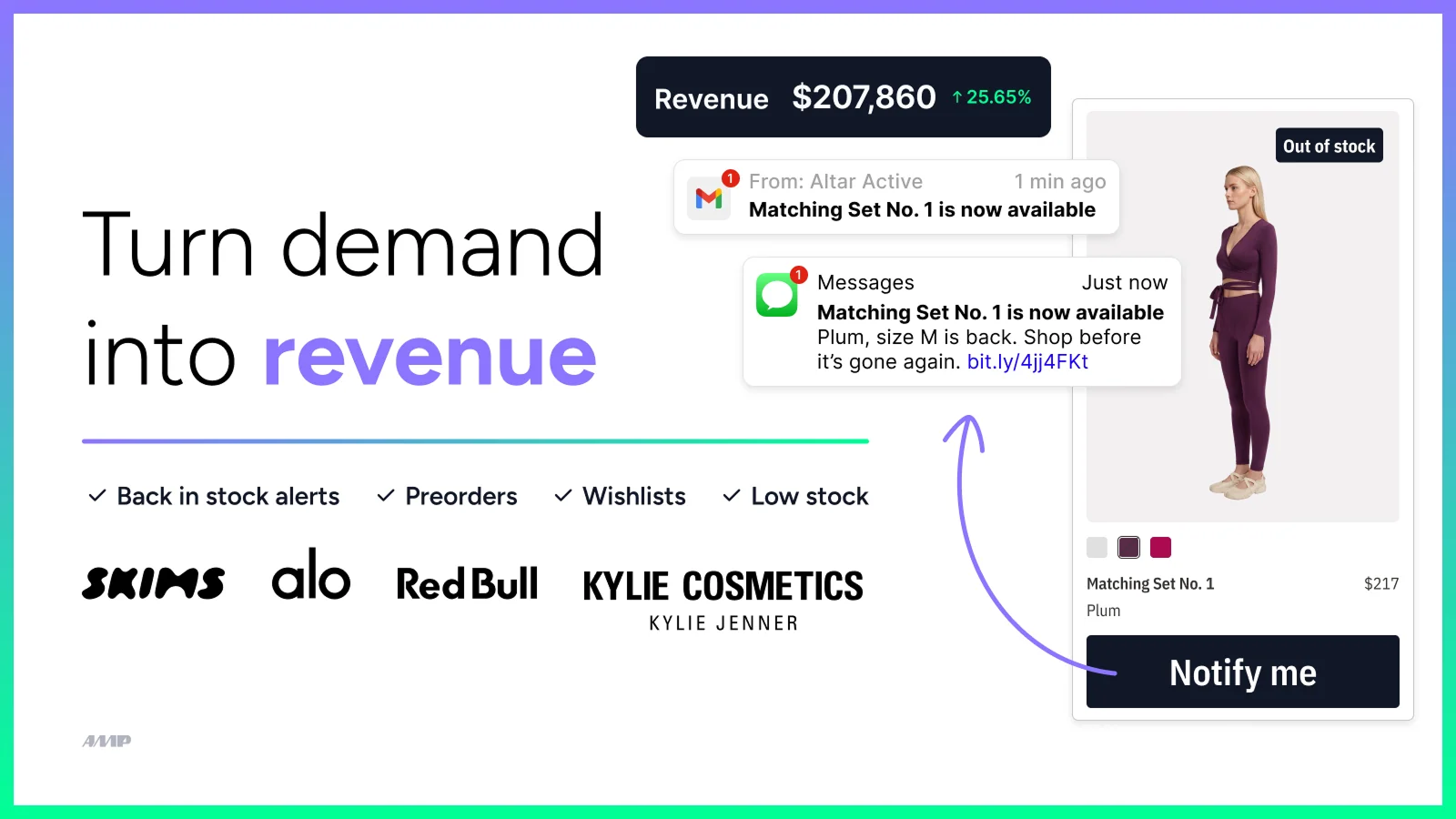
- Price: Free plan available; paid plans from $19 to $99/month
- Key features: Instant restock alerts via email, SMS, and push, preorder and pre-sell before inventory arrives, wishlists, demand insights, API access on higher plans
- Best for: Larger catalogs and established brands that need a proven, high-volume back-in-stock and preorder system
10. Preorder, Back in stock Duck
A newer app (launched 2023) with a 5.0-star rating from 468 reviews and the Built for Shopify badge. Its standout feature is native WhatsApp alerts alongside the usual email notifications, which is useful for stores with customers who prefer messaging apps over email.
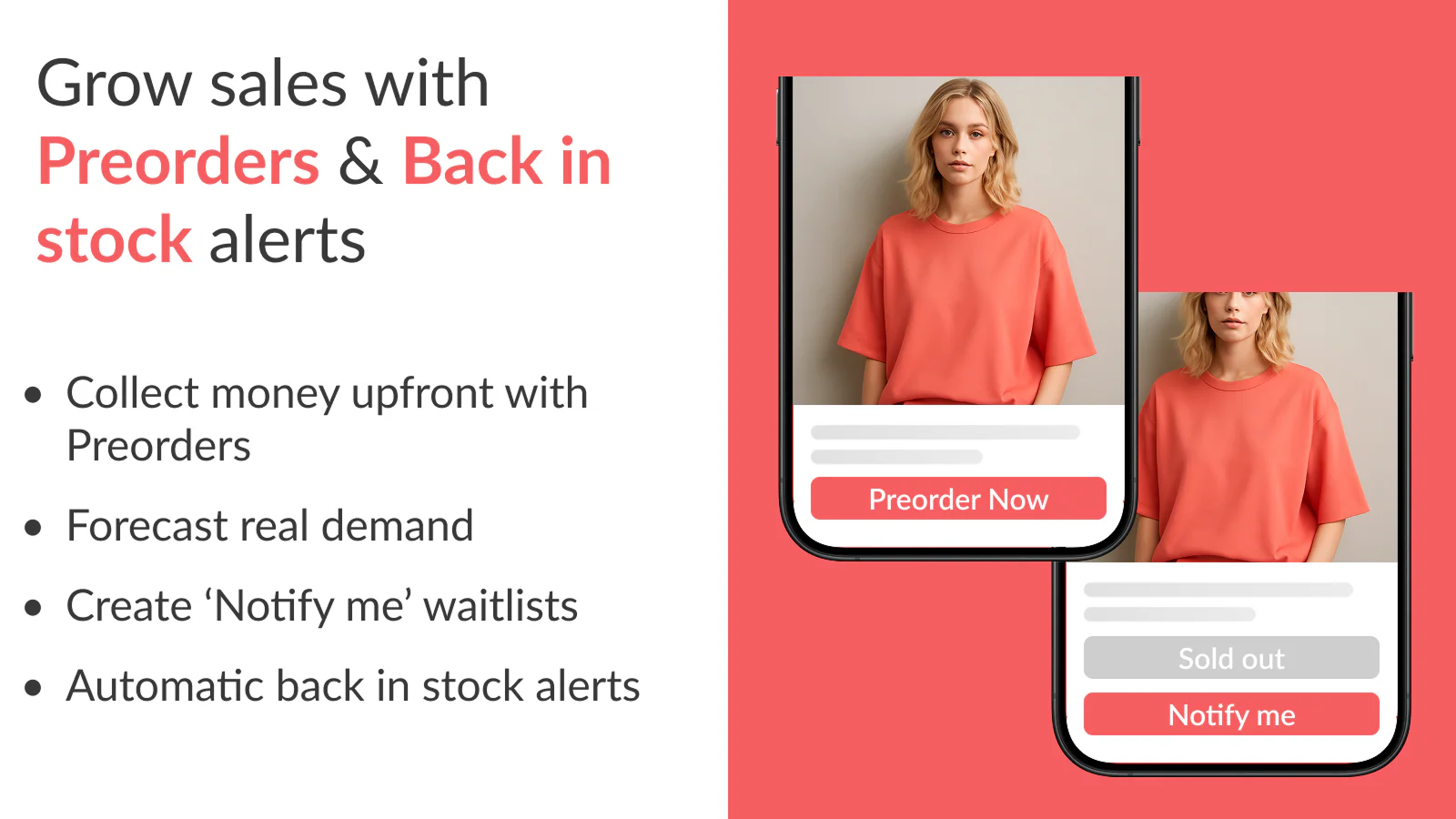
- Price: Free plan available; paid plans from $9 to $89/month
- Key features: Variant-level preorder and backorder control, WhatsApp and email restock alerts sent from your own domain and brand, 24/7 human live-chat support
- Best for: Stores whose customers are more responsive to WhatsApp than email, or that want a lighter-weight alternative to the bigger incumbents
How to Select the Right Preorder App for Your Store
A ranked list only helps if you know which criteria matter for your specific store. Before choosing, filter the options above against these three factors.
Mixed Cart Support
Check whether the app can handle a customer buying an in-stock item and a preorder item in the same transaction. Without mixed cart support, you either have to block that combination (adding friction) or ship the in-stock item late to match the preorder timeline (frustrating the customer). This is one of the most common gaps merchants discover only after launch.
Variant-Level Control
If you sell apparel, footwear, or anything with size or color variants, look for apps that let you set preorder status per variant rather than per product. A shirt selling out in size M shouldn’t force the whole product into preorder mode while S, L, and XL are still in stock.
Payment Flexibility
Decide upfront whether you want full payment at checkout or partial payment (a deposit now, balance later). Partial payments reduce purchase friction and are common for high-ticket or long-lead-time items, but they add complexity: you need a plan for automatically charging the remaining balance, handling failed charges, and communicating the timeline clearly to the customer.
5 Critical Rules for Successful Shopify Preorders
Most preorder guides stop at “pick an app.” The apps themselves work as advertised, but a surprising number of preorder problems come from store setup and Shopify’s own constraints, not the app. These five rules cover the parts that rarely make it into marketing pages.
Don’t Underestimate Shipping Delays
Set a conservative expected ship date rather than an optimistic one. It is far better to under-promise and ship early than to miss a stated date — late preorders are one of the most common sources of support tickets and negative reviews, since customers who pre-committed money expect the date they were given.
Preorders and Customized Checkouts
If your store runs a heavily customized Shopify Plus checkout, test your preorder app thoroughly before launch. Checkout customizations can interfere with how selling plans, partial payments, or order tagging are applied, and issues here often only surface once real customers start checking out.
Payment Method Limitations
Some accelerated checkout options, including certain configurations of Apple Pay and Google Pay, may not fully support preorder purchase options like partial payments or deferred billing. Confirm which payment methods your chosen app supports before you promote a preorder campaign, so you’re not troubleshooting declined payments during a launch.
Combining Subscriptions and Preorders
Most preorder apps cannot sell a subscription product as a preorder in the same transaction, since both features typically rely on Shopify’s selling plans in ways that can conflict. If you sell subscription products, confirm compatibility with your specific app before assuming a first shipment can also function as a preorder.
Communicate Proactively, Not Just Automatically
An automated confirmation email is the minimum, not the finish line. Consider a status update partway through the preorder window, especially for anything with a lead time longer than a few weeks. A short “still on track” note costs little and meaningfully reduces support inquiries and cancellation requests compared to silence.
FAQs
Shopify supports the underlying concept through its “continue selling when out of stock” inventory setting, but that alone doesn’t give you a preorder badge, an estimated delivery date, partial payments, or automated back-in-stock alerts. A dedicated app is required to manage those pieces properly.
Most apps automatically replace the “Add to Cart” button with a “Pre-Order” button as soon as inventory for a product or variant reaches zero, then switch it back once stock is replenished — no manual toggling required on your end.
Reputable apps, particularly those carrying Shopify’s “Built for Shopify” badge, are built to load only on relevant product pages and are tested against Shopify’s performance standards. Always check an app’s performance impact rating in the Shopify App Store listing before installing.
A preorder sells a product before it has ever been produced or received, often ahead of a launch. A backorder sells a product that has been sold out temporarily but is expected to be restocked. Some apps, including a few on this list, handle both under one configuration.
Conclusion
The right Shopify preorder app depends less on which one tops a ranking and more on how well it matches your store’s specific needs: whether you need partial payments, variant-level control, mixed cart support, or a single tool that also handles back-in-stock alerts. Established options like STOQ, Notify Me!, and Amp offer the deepest review history if a proven track record matters most to you, while newer entrants like TA Preorder & Back In Stock or REZ are worth testing if you want a free, actively developed tool and don’t mind being an earlier adopter. Apps like Essent stand out for multi-market controls, and Preorder Duck fills a niche for stores whose customers prefer WhatsApp over email.
Whichever app you choose, treat the setup rules above as a checklist, not an afterthought. Mixed carts, checkout customizations, payment method limitations, and shipping date accuracy are where most preorder campaigns actually run into trouble, not the app selection itself.
Ready to stop losing sales to “Sold Out” pages? TA Preorder & Back In Stock is free to install and lets you manage preorders, backorders, and restock alerts from a single app, with partial payments and demand analytics built in — worth a look if you’re currently juggling separate tools for each.

Hi, I’m Vu Cam Chi – a detail-driven digital marketer focused on building practical growth solutions for ecommerce and digital products. I combine data, user behavior, and clear messaging to turn ideas into results. Strategy guides my decisions, and optimization is part of my daily work. I care deeply about creating experiences that make sense for users and actually perform.