
Choose the box type
Pick a dynamic box when customers choose the items, or a static box for fixed sizes at fixed prices.
Let customers choose what goes in their recurring box, or sell fixed box sizes at fixed prices. TA Subscriptions has two box types: a dynamic box with item limits and tiered discounts, and a static box with set sizes.
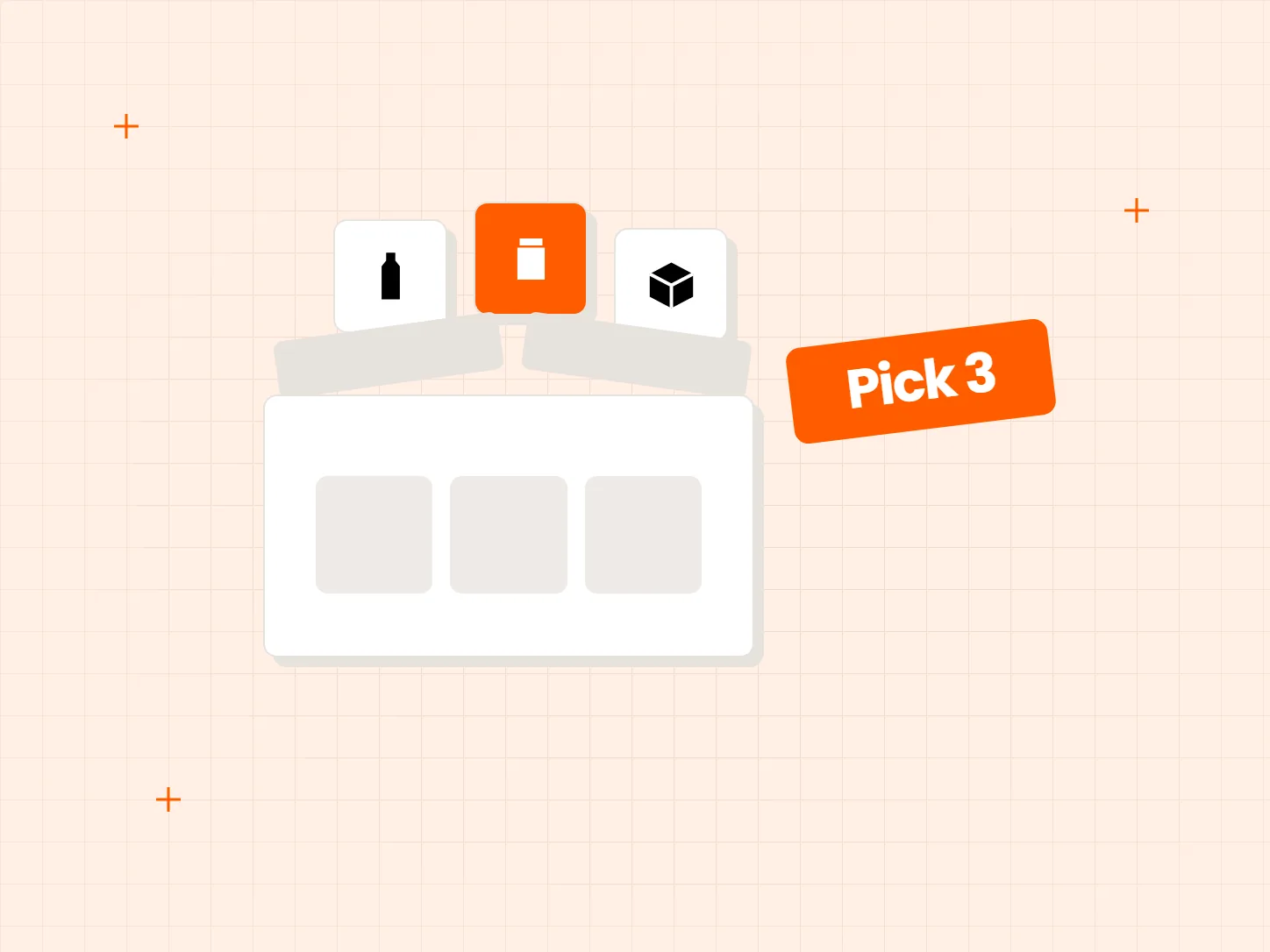
A pre-packed box works until customers want to swap an item or add one more. Each problem below has a matching fix in this setup.
Who it is for: stores with a product range that suits mixing, such as snacks, sample sets, treats and grooming products.
Subscribers who cannot choose what goes in the box may skip the subscription.
In a dynamic box, customers choose items from a set of products you define, within the minimum and maximum number of items you set.
Nothing nudges a customer to add one more item.
A dynamic box can apply tiered discounts, and the discount updates in real time as the customer adds items.
Some customers just want a simple, set-size box.
A static box comes in fixed sizes, Small, Medium and Large, each at a fixed price. It suits shoppers who do not want to build anything.
Each card shows what the result looks like. Start by choosing the box type, because the other settings depend on it.
Pick a dynamic box when customers choose the items, or a static box for fixed sizes at fixed prices.
In a dynamic box, choose the product set and the minimum and maximum number of items.
Add discount tiers to the dynamic box. They update in real time as customers add items.
For a static box, set Small, Medium and Large sizes with a fixed price each, and add the Easto Box Button app block to your theme.
Tiered discounts belong to the dynamic box. A static box has a fixed price per size and does not have discount tiers, so do not promise a bulk saving on it.
A static box needs the Easto Box Button app block added to your theme. Add it and preview a box before you share the link.
Check the dynamic box guide to see how your tiers are calculated before you write the offer text, so the wording on your store matches what the cart does.
In a dynamic box, customers choose items from a set you define, within a minimum and maximum number. A static box has fixed sizes, Small, Medium and Large, each at a fixed price.
Yes, on a dynamic box. The discount updates in real time as customers add items. Static boxes have fixed prices and no discount tiers.
Yes. Add the Easto Box Button app block to your theme.
The docs have an overview of build-a-box, with one page for the dynamic box and one for the static box. The release notes list the latest changes.

Every Tech Arms app installs from the Shopify App Store in minutes.