
Show a label when a metafield matches
Add a product metafield condition so the label appears when the metafield equals the value you set.
The details that close a sale are often buried in the description. Product Labels turns them into labels, using values you already store in metafields.
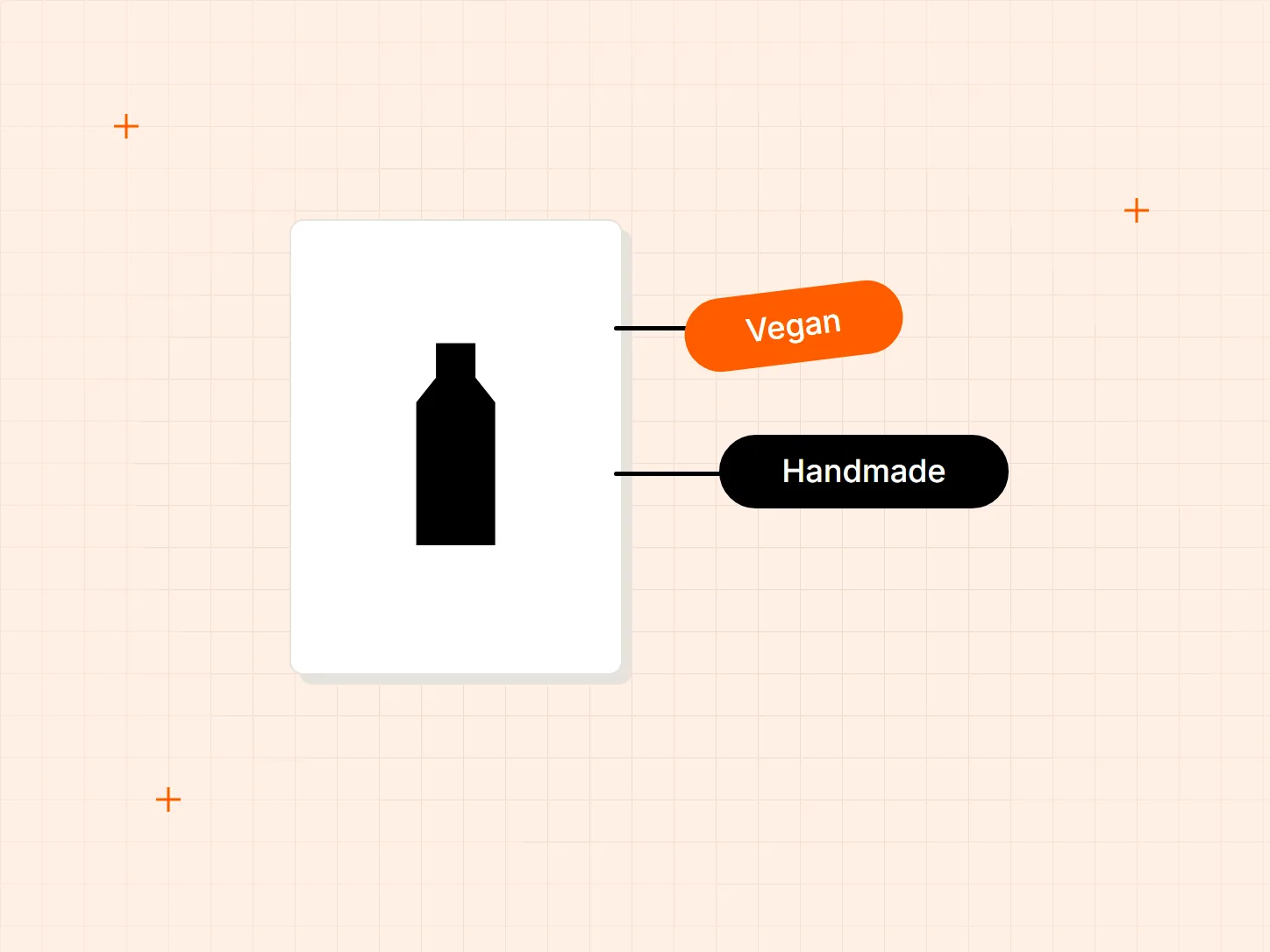
Shoppers decide fast. A detail they have to scroll to find may never be read. These are the gaps a label fills.
Who it is for: stores whose products have claims worth showing at a glance, such as vegan, handmade or covered by a warranty.
A key detail sits in the description, below the fold.
A label can show when a product metafield matches a value. Metafield types include text, integer, decimal, date, boolean, rating and money.
Details differ between variants of the same product.
Variant metafields work as a condition too, so a label can follow the variant that carries the detail.
Updating labels by hand does not scale with the catalog.
The {metafield} variable pulls the value from each product into one label. This needs a metafield with a single value.
Pick the approach that fits how your details are stored. Conditions decide when a label shows, and the variable decides what it says.
Add a product metafield condition so the label appears when the metafield equals the value you set.
Use a variant metafield condition when the detail belongs to one variant, not the whole product.
For a metafield that holds a list, the label shows when one of the values matches.
Add the {metafield} variable to a text label so each product shows its own value.
The {metafield} variable works only with metafields that hold one value. For list metafields, use the list condition instead.
The variant metafield variable does not appear on product cards. Test on collection pages as well as product pages.
A metafield needs Storefront API access before its value can be shown in a label. Enable it for each metafield you use.
Any detail you store in a product metafield, such as vegan, handmade or warranty information.
Product metafield conditions support text, integer, decimal, date, boolean, rating and money types, among others.
Yes, as a condition. The variant metafield variable does not show on product cards.
The label shows when one of the values in the list matches your condition.
Every Tech Arms app installs from the Shopify App Store in minutes.