
Install and add your first location
Begin onboarding and enter your first store or dealer as a location.
Install MAPPY Store Locator, follow the five onboarding steps and turn on the app embed in your theme. Start on OpenStreetMap, which needs no key, and connect Google Maps or Mapbox when you need them.
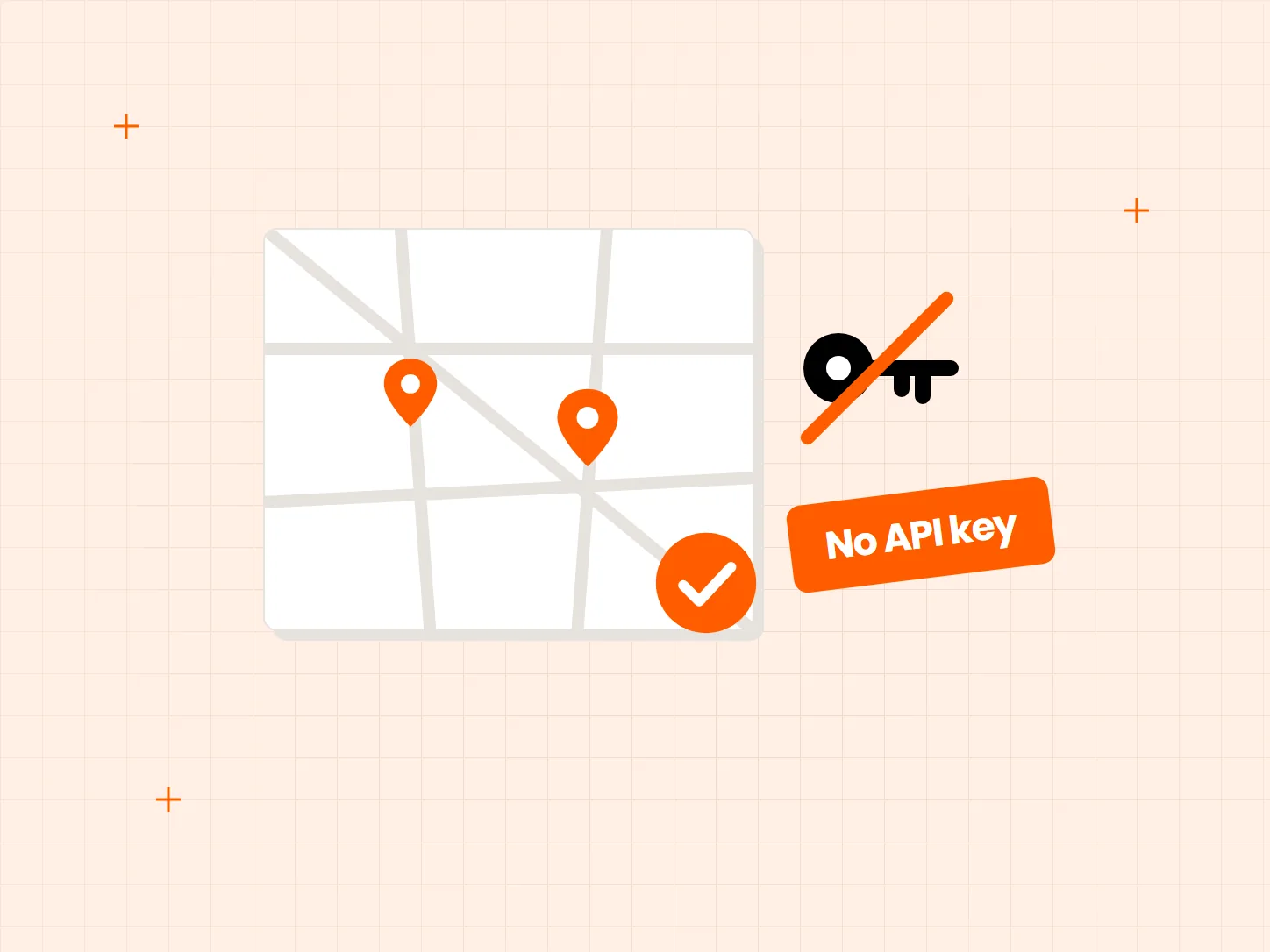
Maps usually bring keys, billing accounts and theme code. You can skip most of that at the start. Each problem below has a matching fix in this setup.
Who it is for: store owners without a developer who want a map of their stores or dealers on their Shopify store.
A locator sounds like theme code and a developer queue.
Onboarding walks you through the first location, the map type, the embed, the plan and the finish. The theme app embed needs no code.
Map keys and billing details are a hurdle before anything works.
OpenStreetMap is free and needs no API key or token. It is the recommended choice in the map type step, and you can leave key fields empty and add them later.
You may outgrow the first map later.
Add a Google API key or a Mapbox access token in the app settings. The Free plan includes 12 Google styles and 9 Mapbox styles.
Each card shows what the result looks like. You can stop after the third move and have a working map.
Begin onboarding and enter your first store or dealer as a location.
Pick the map type and leave the key empty. You can add one later.
Enable MAPPY in your theme app embeds so the map shows on your store. No code is needed.
Add a Google API key or Mapbox access token in the settings when you want that map.
Google Maps needs an API key, and Google asks for billing details even within its free allowance. Mapbox needs an access token, with a free tier of 50,000 map loads and 500 search sessions a month.
The optional Map routes panel on OpenStreetMap needs a free OpenRouteService key.
Without a key, bulk imports place locations with AI-estimated coordinates. Treat those as approximate and check them on the map.
Not for OpenStreetMap. Google Maps needs an API key and Mapbox needs an access token.
No. Onboarding has five steps, and the theme app embed needs no code.
Yes. Add a Google API key or Mapbox access token in the app settings when you want to use them.
Mapbox lists 50,000 map loads and 500 search sessions a month on its free tier. Check Mapbox for its current terms.
The Free plan includes 12 Google styles and 9 Mapbox styles.
Every Tech Arms app installs from the Shopify App Store in minutes.