
Add your stockists and stores
Enter each location with its address and phone number, and add tags to group them.
Put your stockists, dealers and stores on one map. Shoppers search by address or ZIP code, or get nearby stores detected for them. MAPPY Store Locator runs the map, the search and the store list.
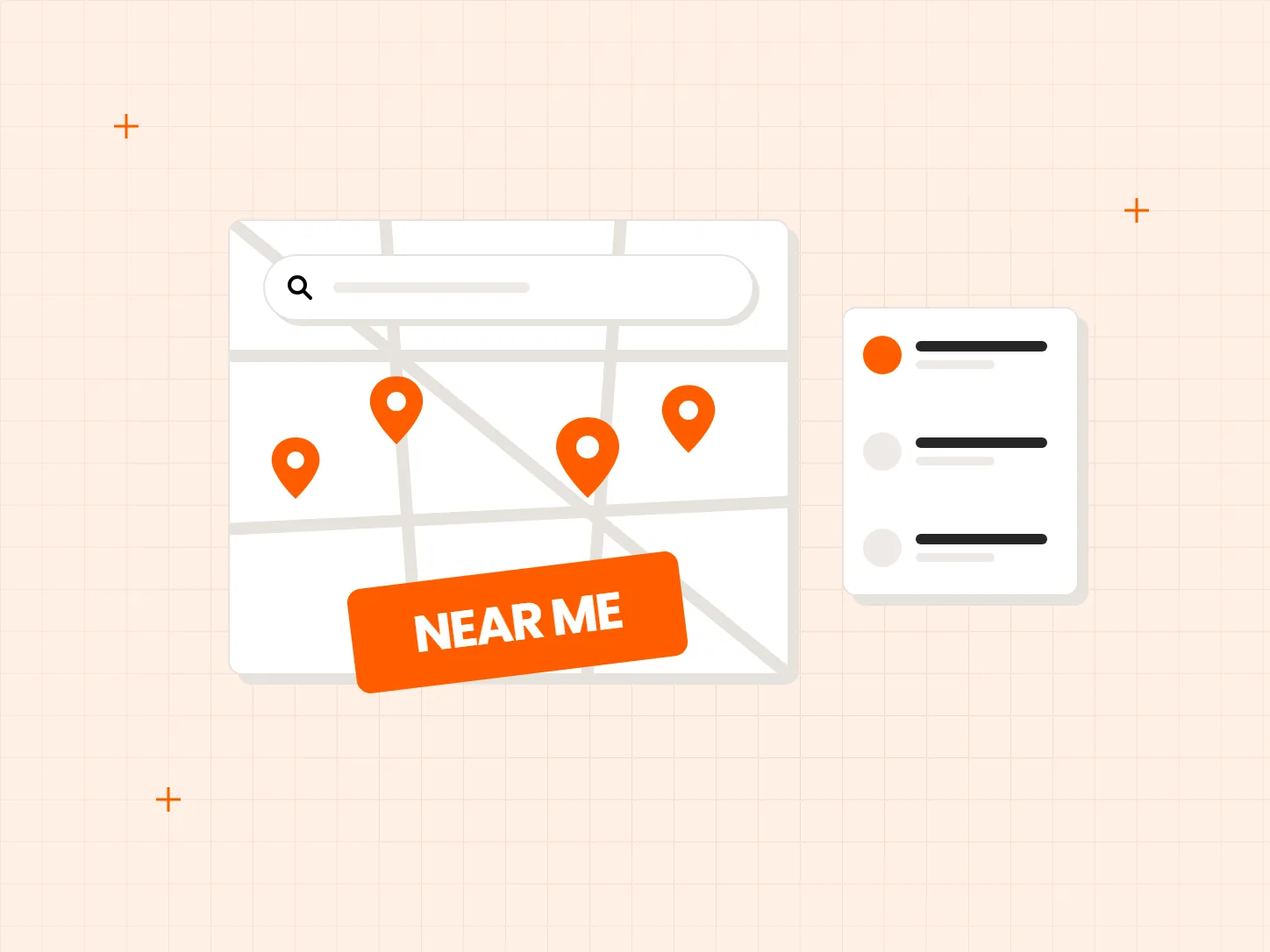
Many brands sell through stockists and their own stores as well as online. A shopper who is ready to buy needs to see which location is closest. Each problem below has a matching fix in this setup.
Who it is for: brands that sell through dealers, stockists or retail partners, and stores that want shoppers to find a physical location.
A plain list of stockists makes shoppers do the work of finding the closest one.
Each stockist or store sits on an interactive map, with a list of locations next to it, so shoppers can see what is nearby at a glance.
Shoppers do not know a stockist by name, so a name-only search finds nothing.
Shoppers can search by address, phone number, store name or ZIP code, whichever they have at hand.
Typing an address is slow, especially on a phone.
The map asks the browser for the shopper's location, and falls back to an IP-based estimate when that is not available. Nearby stores appear without typing.
Each card shows what the result looks like. Start with your locations, because the search and the nearby results both read from them.
Enter each location with its address and phone number, and add tags to group them.
Shoppers can search by address, phone number, store name or ZIP code.
Open the locator on your storefront and allow location access to see the nearest stores.
Turn on the MAPPY app embed in your theme so the locator shows on your store.
Nearby stores come from the browser location, or an IP-based estimate when the browser does not share it. Keep the search box visible so shoppers can correct the result.
Address, phone, store name and ZIP code searches match your location records. Check spelling and ZIP codes when you add stockists.
Add only the locations that carry your products, and use Status to switch off one that stops carrying them.
By address, phone number, store name or ZIP code, based on the general settings of MAPPY.
Yes. It asks for the browser location first and falls back to an IP-based estimate. Shoppers can still search by address or ZIP code.
MAPPY supports filtering locations by tag, so you can tag stockists and let shoppers narrow the map.
No. The map is added through a theme app embed, which needs no code.
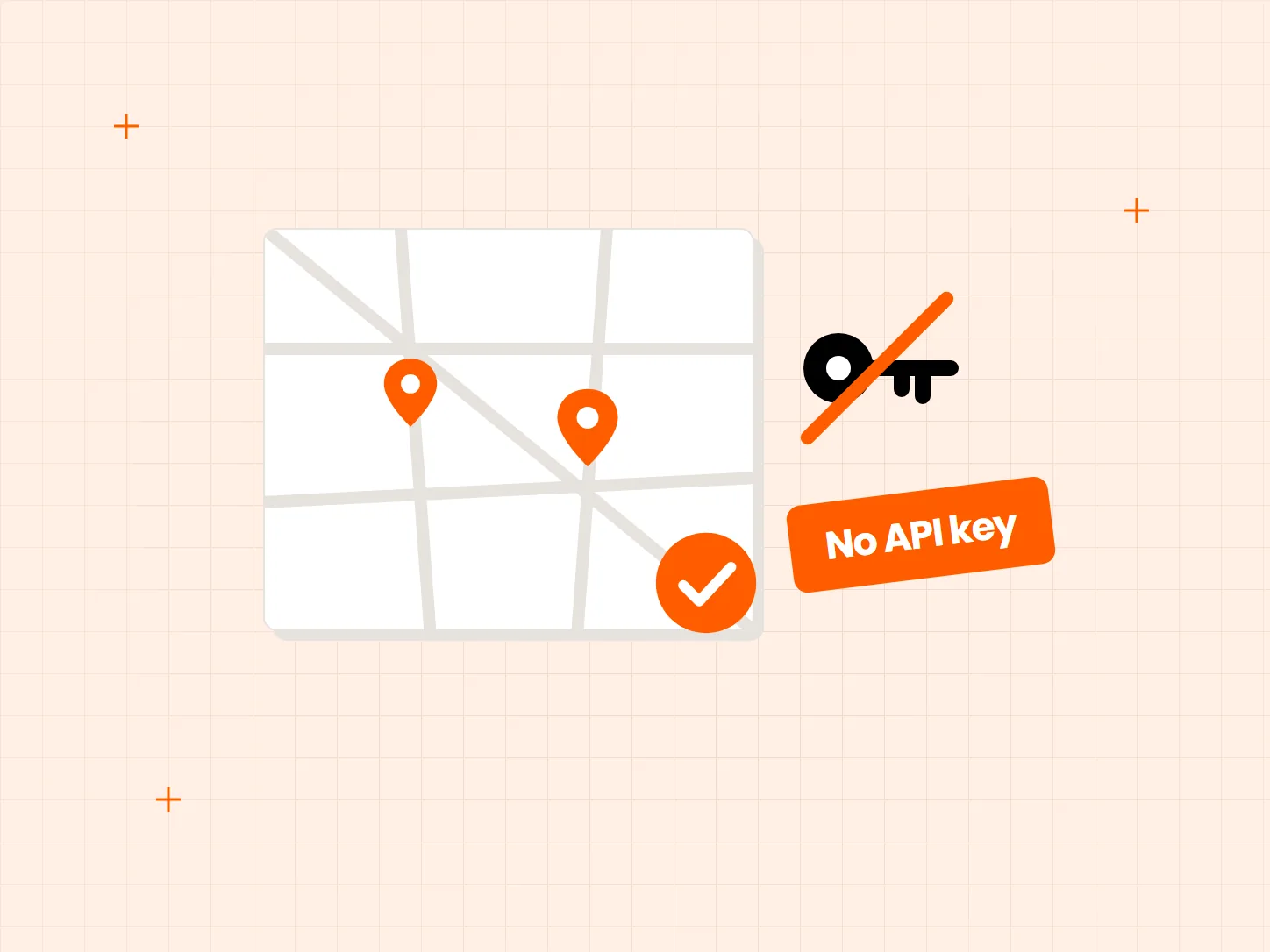
OpenStreetMap, Google Maps or Mapbox. OpenStreetMap needs no API key or token.
Every Tech Arms app installs from the Shopify App Store in minutes.