
Create the free shipping banner
Choose the free shipping banner type and enter the goal amount.
Show shoppers how far they are from free shipping, right on the page. TA Banner updates the message as items are added to or removed from the cart, and shows a different message once the goal is reached.
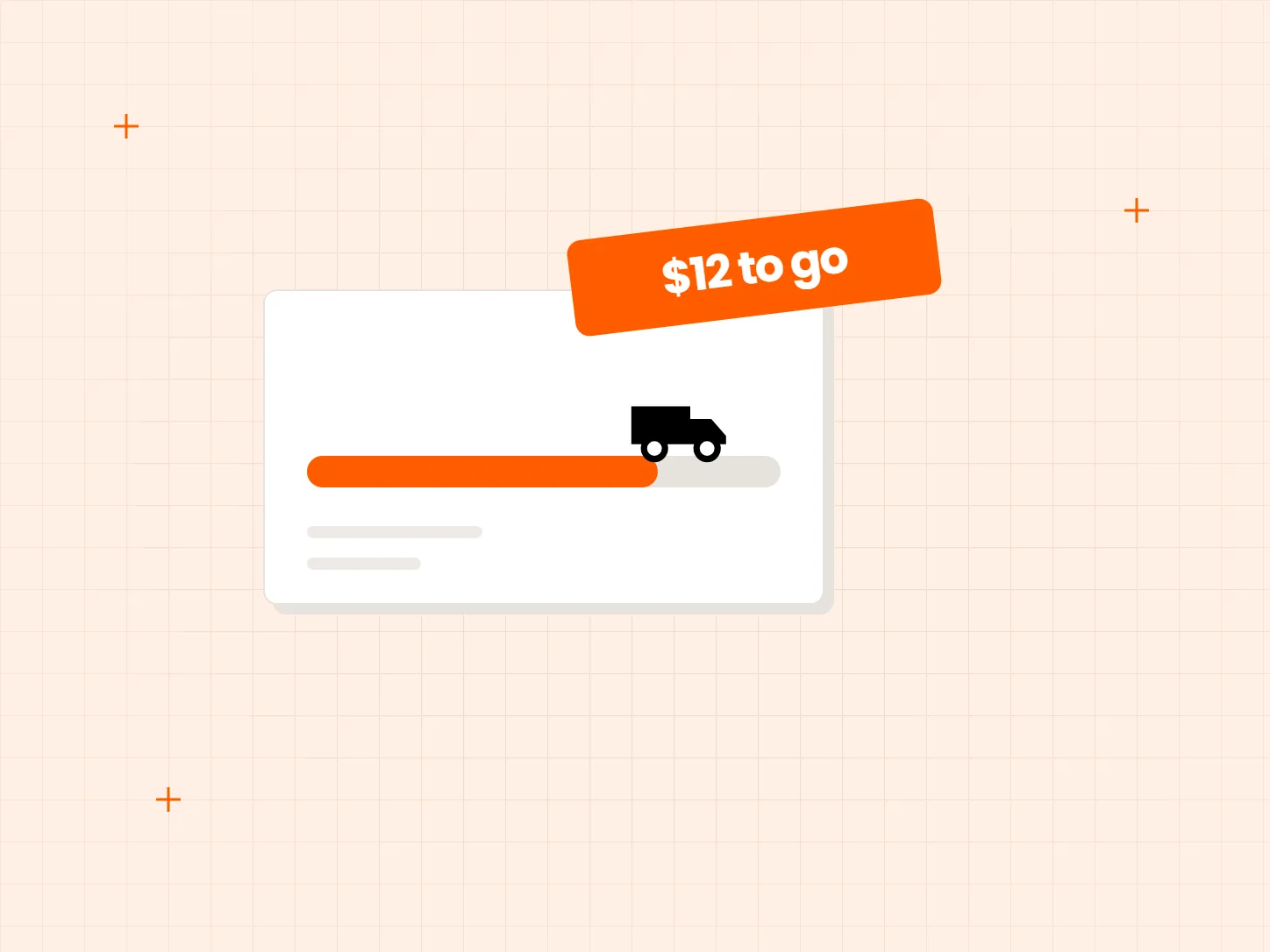
A free shipping threshold only changes behavior when shoppers know about it and know how close they are. Each problem below has a matching fix in this setup.
Who it is for: stores that offer free shipping above a minimum order value and want shoppers to reach it.
Shoppers do not know how close their cart is to free shipping.
The banner updates in real time as shoppers add or remove items, and tells them how much more they need to spend.
One fixed message cannot say the right thing at every point in the cart.
Set a start message, a progress message and a goal reached message, so the banner changes as the cart gets closer to the goal.
Your threshold may not be the same in every country you ship to.
The free shipping goal can be set by country, so shoppers see the amount that applies to them.
Each card shows what the result looks like. Set the goal first, because every message builds on that amount.
Choose the free shipping banner type and enter the goal amount.
Add the countries you ship to and the amount for each one.
The app only displays the message. It does not create a free shipping rate. Set the same minimum in Shopify Shipping, or shoppers will see a goal that checkout does not honor.
TA Banner shows the goal but does not track average order value. Read that number in Shopify Analytics, and compare it with the period before you added the banner.
The progress bar style is locked by plan, and the Free plan has text only. Check the Banner & Pop-up plans on the Shopify listing before you design around a progress bar.
Yes. It updates in real time as shoppers add or remove items.
Yes. You can write a start message, a progress message and a goal reached message.
No. It only shows the goal. You still need to set up the free shipping rate with the same minimum in Shopify Shipping.
Yes. The goal can be set by country.
The text banner works on the Free plan. The progress bar style is locked by plan, so check the plans on the Shopify listing.
Every Tech Arms app installs from the Shopify App Store in minutes.