
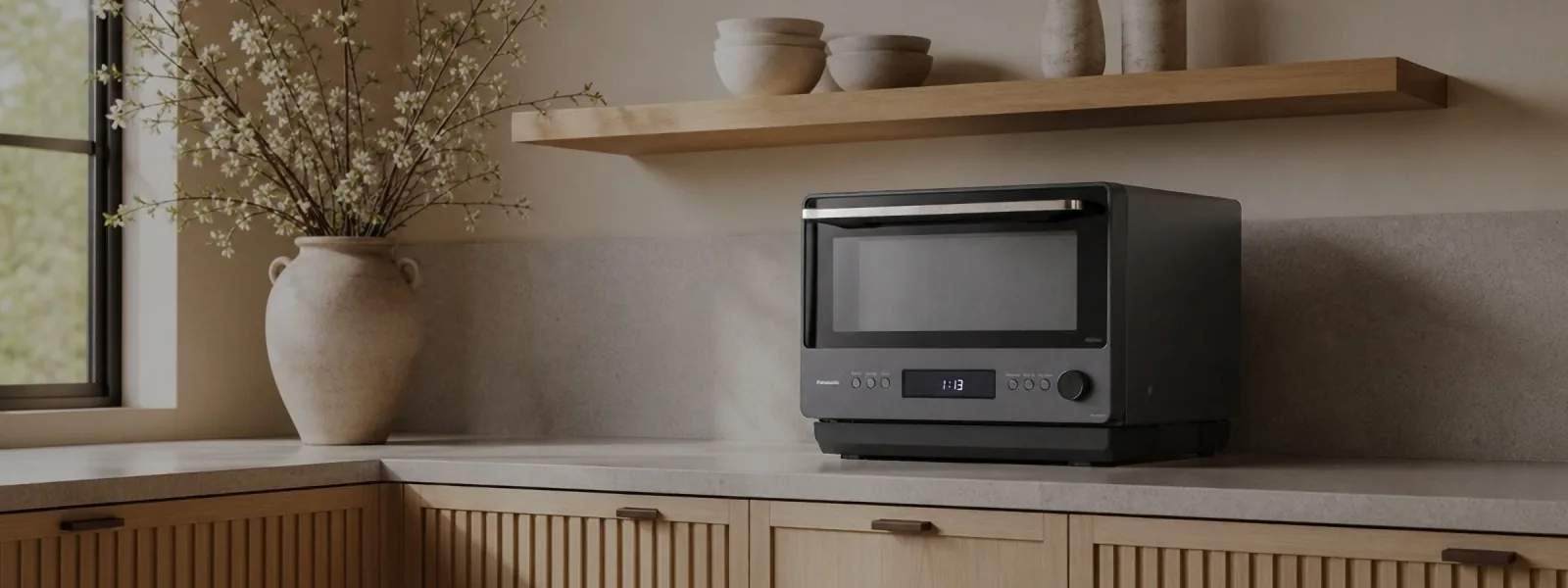

About the store
Shop Panasonic USA is the US direct-to-consumer webstore of Panasonic Corporation of North America. It sells kitchen appliances, personal care, phones and smart home devices, audio, TVs and LUMIX cameras.
For LUMIX cameras and lenses, the store runs three buying programs:
- Trade-in Trade-up: credit for eligible used gear against a new purchase
- Rent a LUMIX: a rental program to try a camera before buying
- LUMIX Refurbished: a collection of refurbished cameras and lenses
New LUMIX purchases on the store also qualify for a 4-year extended warranty, which needs separate registration.
The challenge
A May 2023 YouGov survey found that 58% of US consumers consider a warranty plan important when buying electronics such as laptops and TVs.
Camera buyers also compare ways to pay less: trading in old gear, renting first or buying refurbished. Each of these programs has its own page and its own eligibility, and not every model qualifies.
On a typical product page, that information sits in the description or behind a footer link. A shopper comparing a camera body against another retailer may never reach it.
Use case 01: The warranty offer sits on the product photo
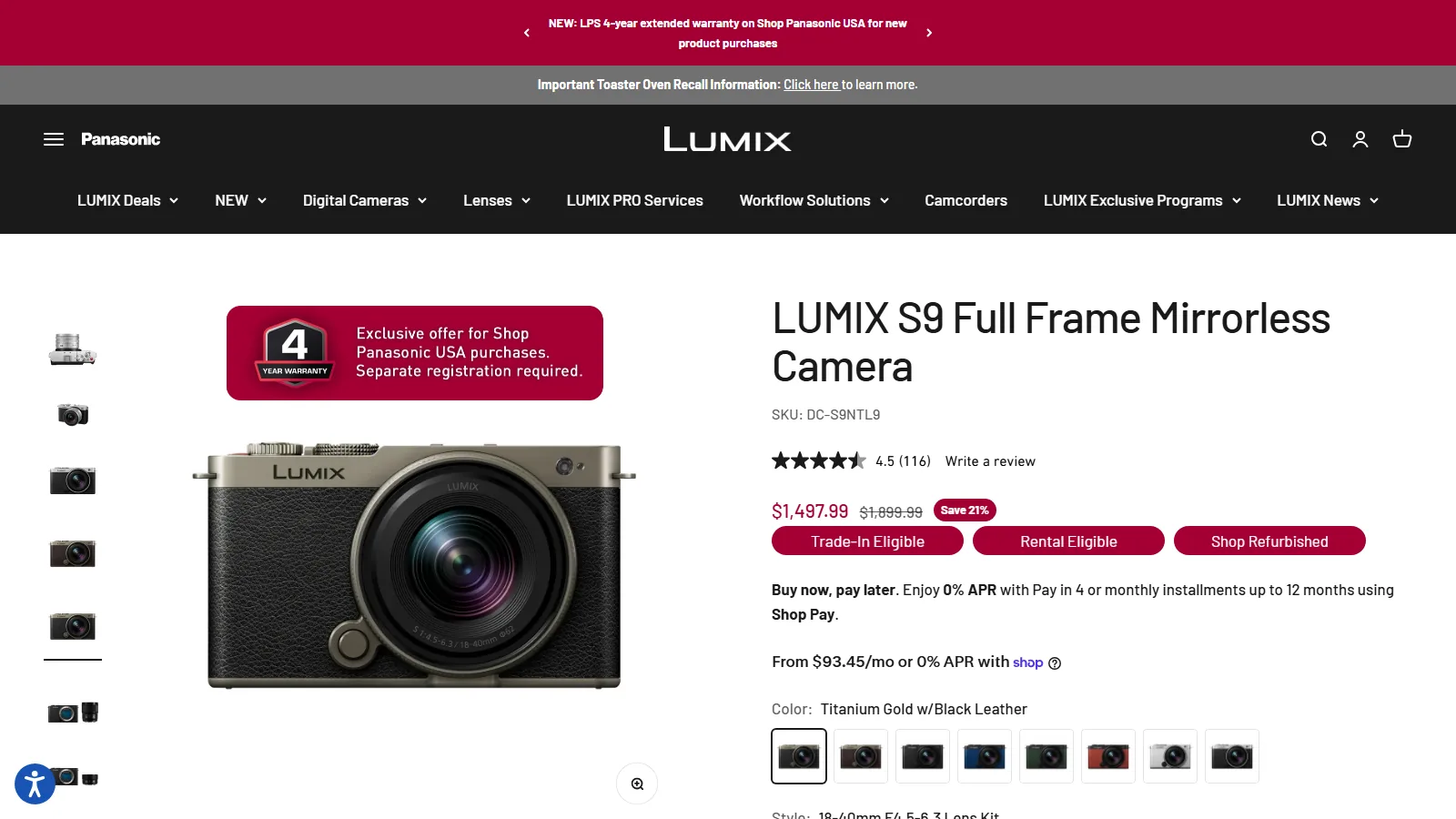
On the LUMIX S9 product page, every gallery image carries a red banner with a “4 YEAR WARRANTY” shield. The text reads “Exclusive offer for Shop Panasonic USA purchases. Separate registration required.”
On collection pages, the same offer appears as a smaller shield on each product card. All 22 cards on the S Series lenses collection carry it, as do all 24 cards on the LUMIX deals collection.
The two placements tell the shopper the offer belongs to this store before they compare prices elsewhere. Across the store, the warranty labels cover 41 LUMIX products.
This uses Image Labels in TA AI Product Labels & Badges, with the store’s own artwork. Separate rules set one design for product pages and another for collection grids.
Use case 02: Three buying programs, one row of badges
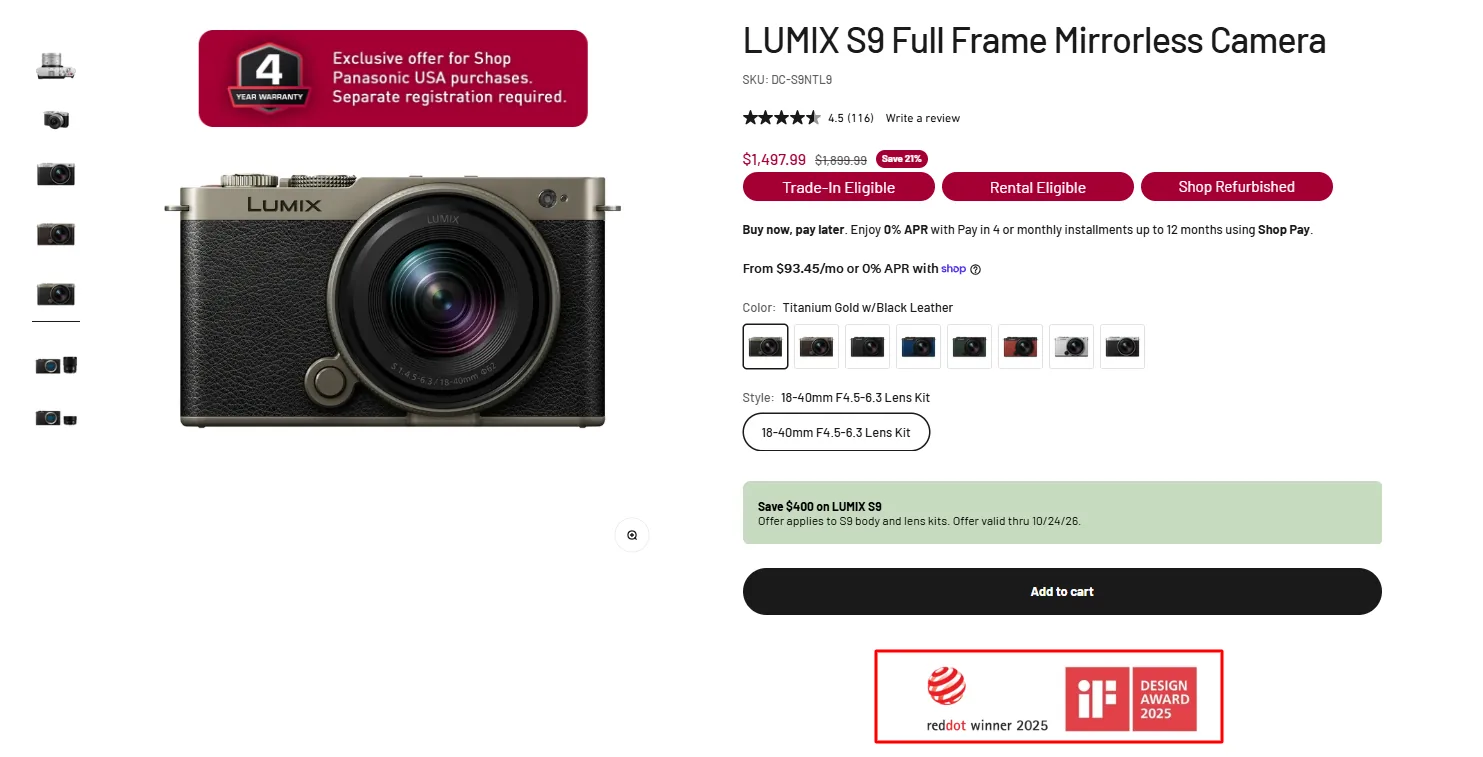
Directly under the S9 price, a row of three crimson badges reads Trade-In Eligible, Rental Eligible and Shop Refurbished. Each one opens its program page in a new tab.
The Trade-In badge also shows a hover message, “See how much you can save with Trade-In Trade-Up”. The badges appear only on products that qualify, with 8 products each on the Trade-In and Rental rules.
Because eligibility differs by model, a badge on the product page answers the question for that exact camera. This setup uses a Badge Group of Standard Text Badges, with a click link and hover text on each and separate desktop and mobile rules.
What merchants say
Easy to use and also the technical team's support was fast and helpful.
Try it on your store
The setup for trust and warranty badges is in Earn first-time buyers' trust when they don't know your brand. For product details shown as labels, see Highlight the product details that make people buy.
TA AI Product Labels & Badges is available on the Shopify App Store.
Observed on the live storefront on October 13, 2026. Store settings and offers may have changed since. Product counts come from the public pages and the label settings published with them. Panasonic did not supply data for this case study.