
Open the products for presale
Create a campaign and add the products that are not in stock yet. The app sets them to continue selling and tracks stock.
Sell products before they are in stock. Preorder & Back in Stock takes full payment or a deposit at checkout, so the cash comes in while you make or order the stock.
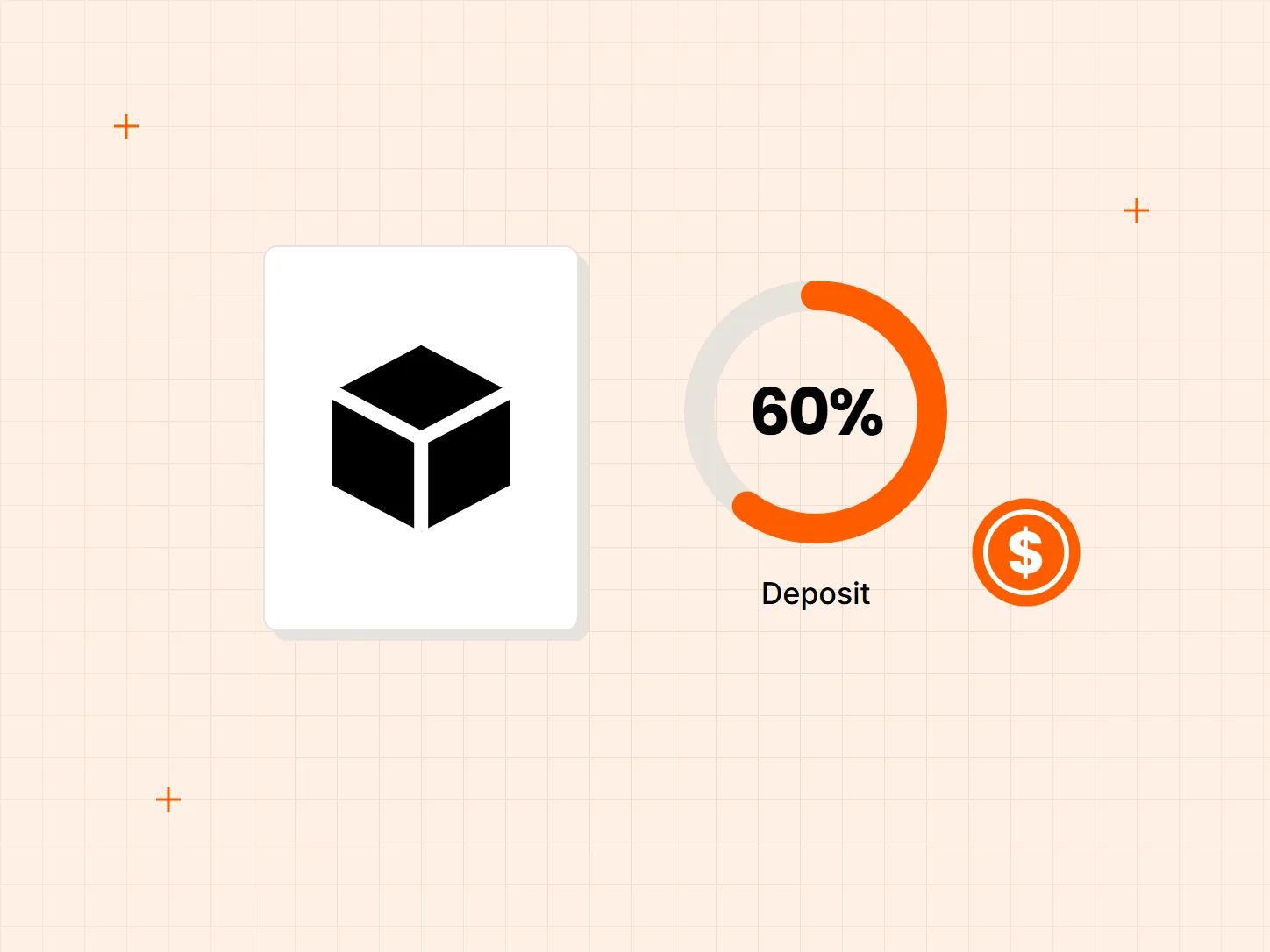
Production runs and inventory orders need cash up front. Each problem below has a matching fix in this setup.
Who it is for: makers selling small batches, stores ordering from suppliers, and brands with long production times.
You pay for production or inventory before you know how much will sell.
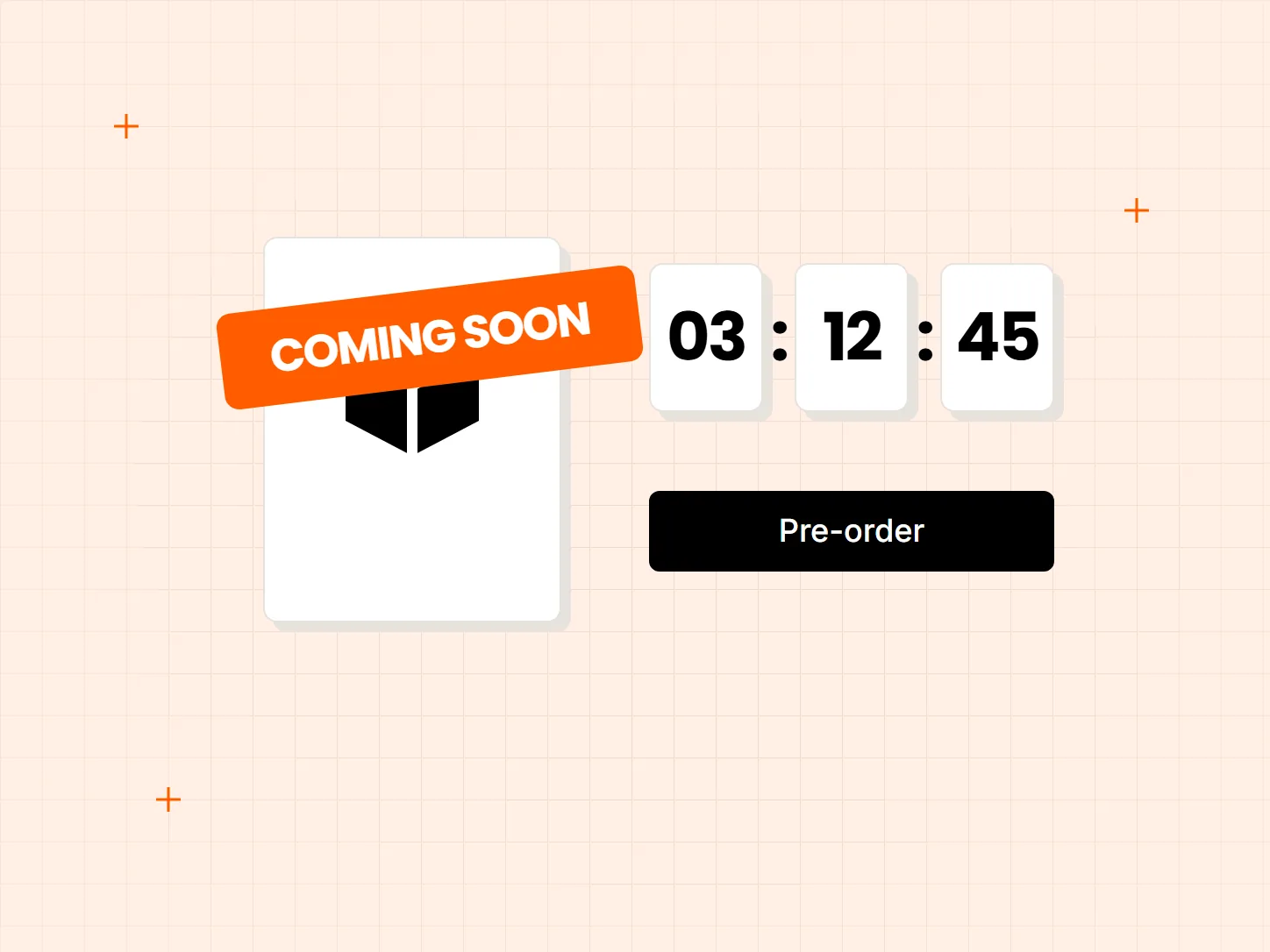
A preorder campaign opens products for sale at zero stock. Orders arrive before the production run, so you can order what you have sold.
Taking full payment is a big ask for an expensive item that ships weeks away.
Let shoppers pay a percentage or a fixed amount now. Deposits need Shopify Payments and the Selling Plan mode.
You want an incentive for shoppers to commit early.
Pay in full can carry an optional preorder discount. The discount needs Shopify Payments.
Each card shows what the result looks like. Set up the campaign first, then the payment option shoppers see.
Create a campaign and add the products that are not in stock yet. The app sets them to continue selling and tracks stock.
Choose Pay in full, and add a preorder discount if you want one. The discount needs Shopify Payments.
Set a percentage or a fixed amount. This needs Shopify Payments and the Selling Plan mode.
The app creates a draft order for the remaining amount. You collect the balance in Shopify admin.
Partial payments work only with Shopify Payments and the Selling Plan mode. Check both before you promise a deposit option to shoppers.
The app does not charge the remaining balance. It creates a draft order, and you collect the rest in Shopify admin. Plan who does this and when.
If a shopper cancels, the deposit does not go back on its own. Decide your cancellation policy before launch and tell shoppers up front.
Yes. Choose Pay in full in the campaign. You can add a preorder discount, and the discount needs Shopify Payments.
Yes. Deposits need Shopify Payments and the Selling Plan mode. The deposit can be a percentage or a fixed amount.
No. The app creates a draft order, and you collect the balance in Shopify admin.
It is not refunded automatically. You handle the refund yourself, so set your policy before launch.
No. This is a preorder. The app sets the products to continue selling and tracks stock, and it has no separate backorder feature.
Every Tech Arms app installs from the Shopify App Store in minutes.